Things you might not know Inka does.
The rooms and the sounds are the part everyone sees. These are the parts people find in week two.
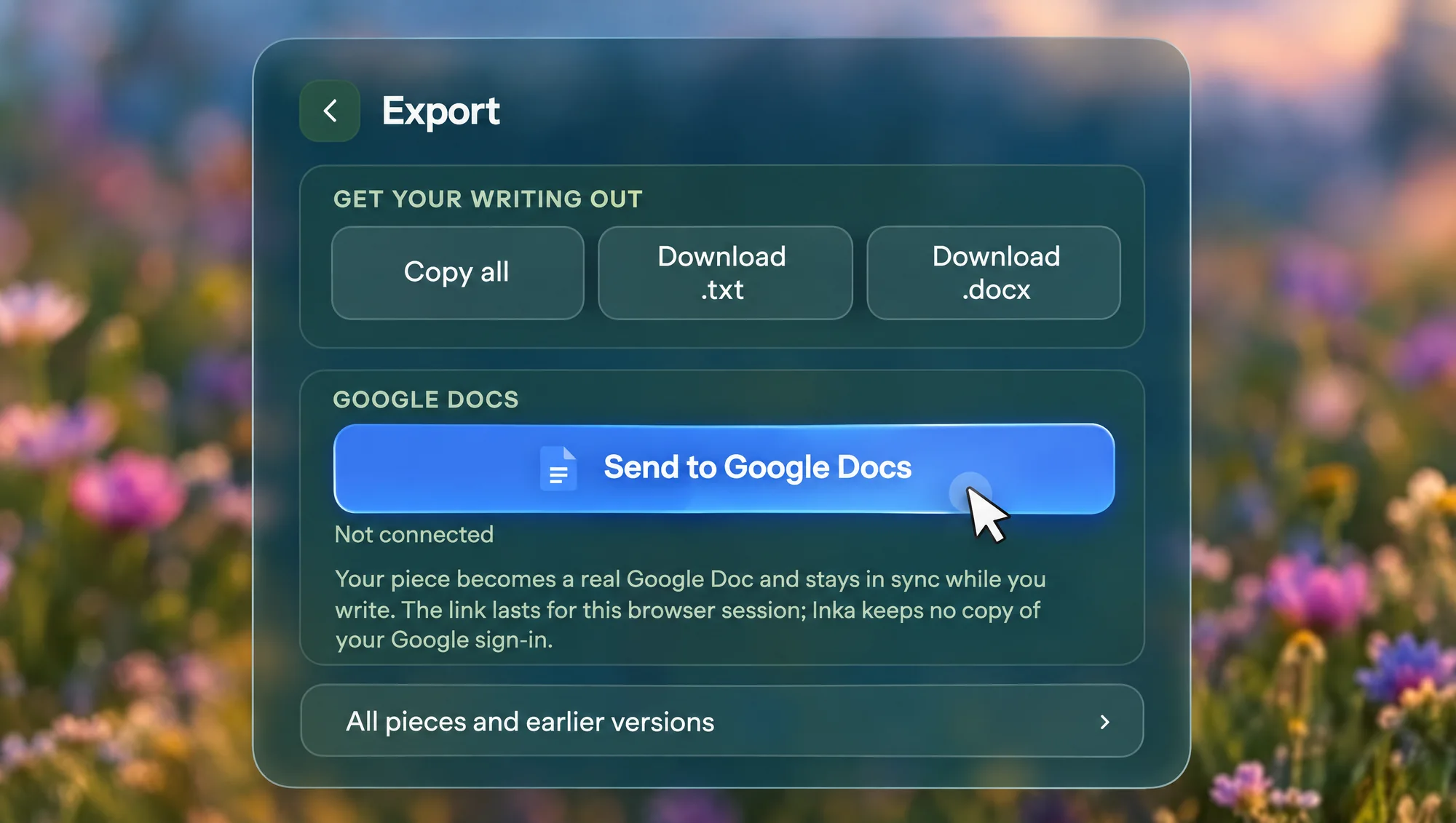
Your Google Doc keeps up with you.
Send to Google Docs makes a real Doc and keeps writing into it while you type. Open the Doc later and the words are there. Inka keeps no copy of your Google sign-in.
Try itThe big line at the bottom.
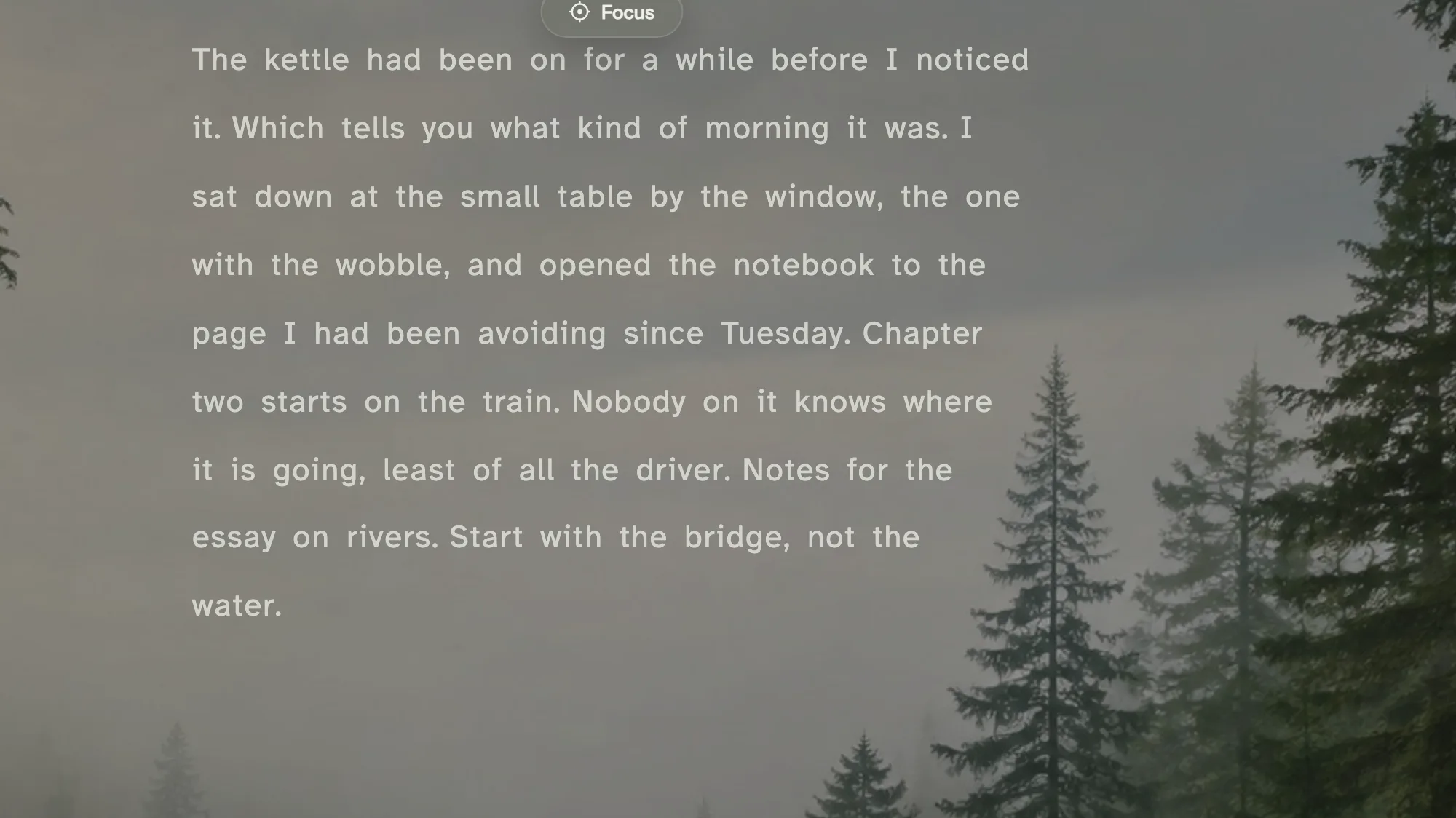
Settings, Text, On the line. You type on one big line at the bottom of the screen. When a sentence is finished it lifts up and settles into the page above. This is how Inka started.
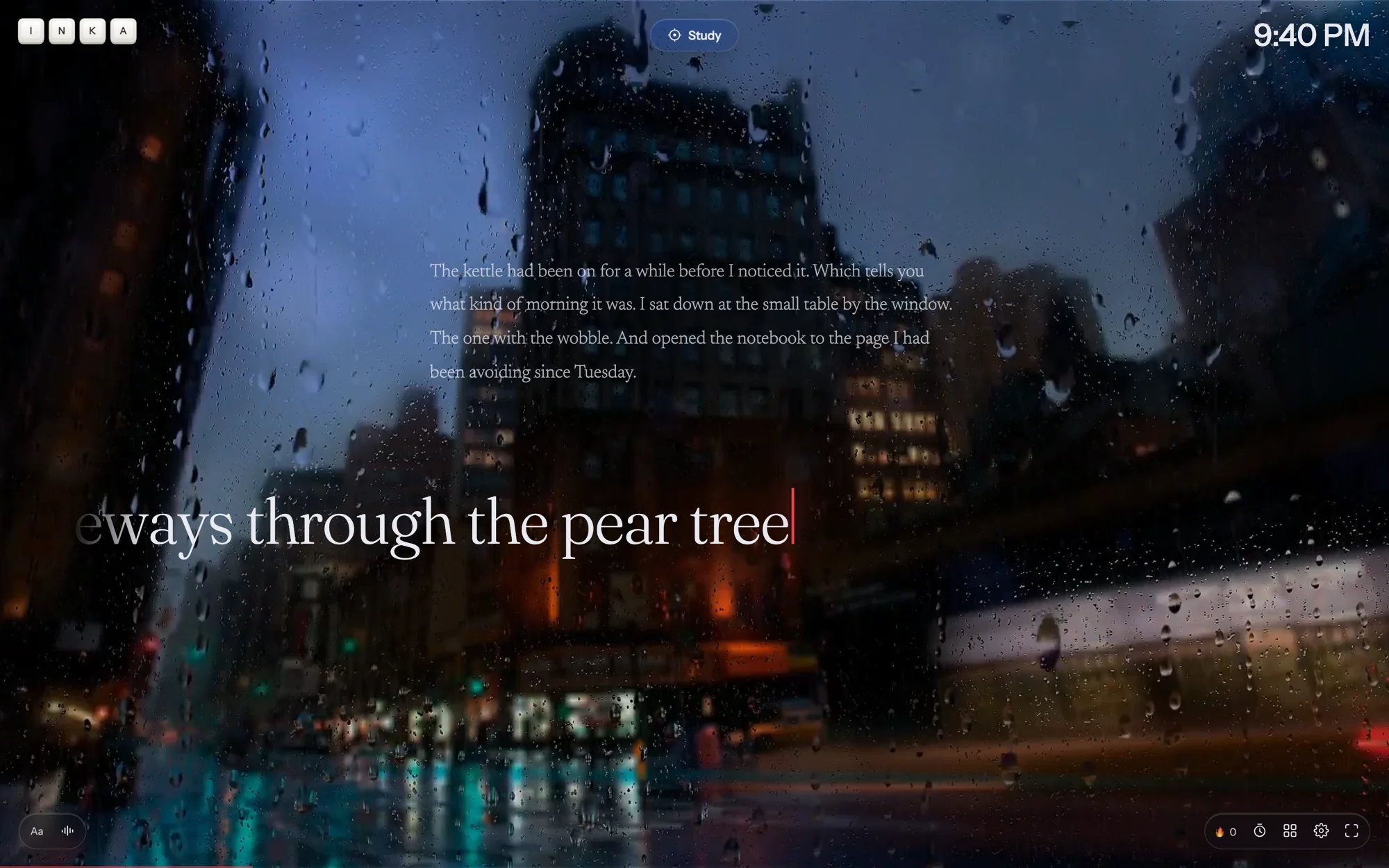
A Study block keeps counting.
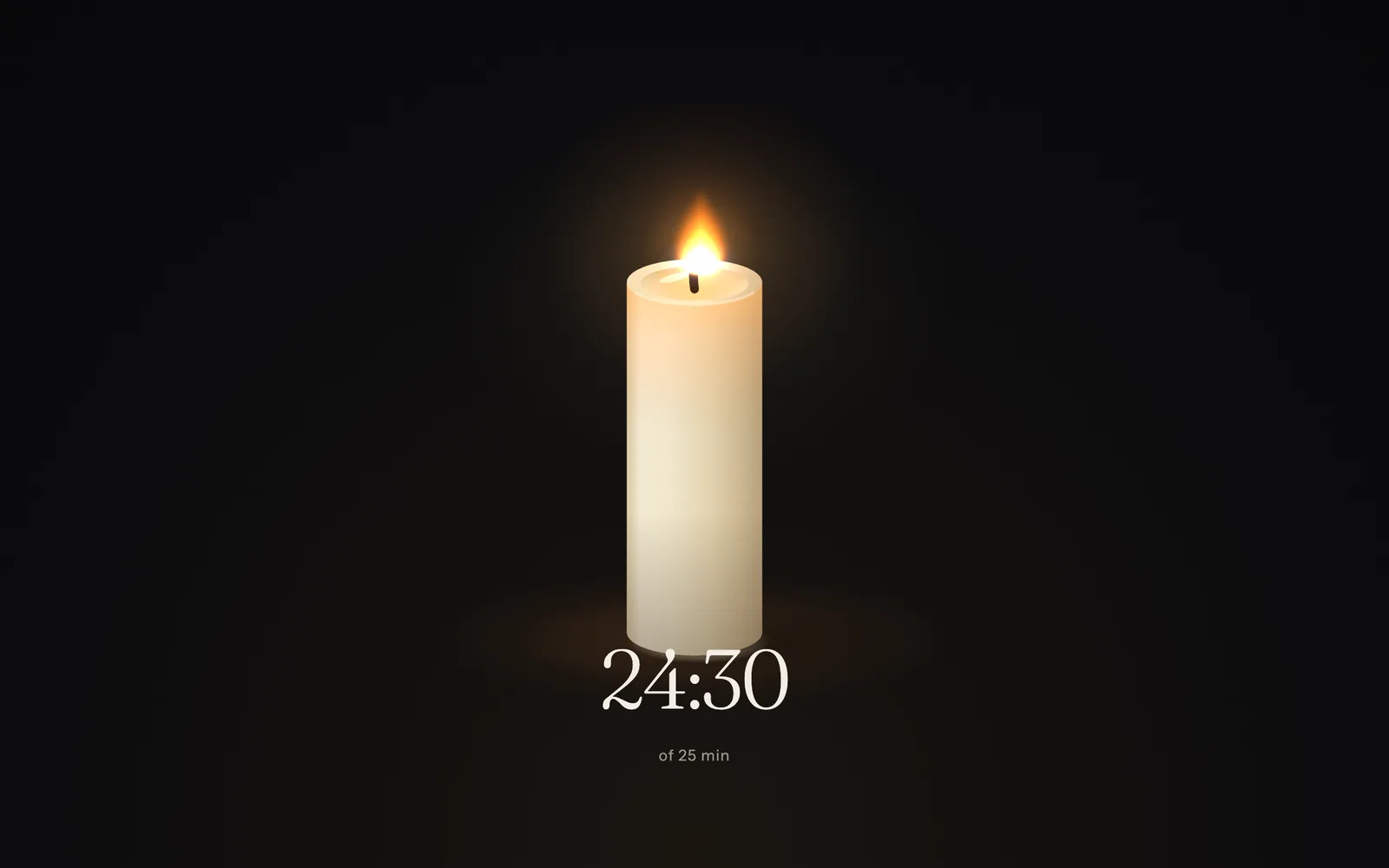
Start a block, press Writing, and the clock keeps going in the dock. When it ends you get the Waiting Room and a break. Ten looks: Flip, Candle, Ring, Hourglass, LED, Vinyl, Just the room, Scribble, Sun arc and Moon. "Time" shows the clock with no block at all.
About the timer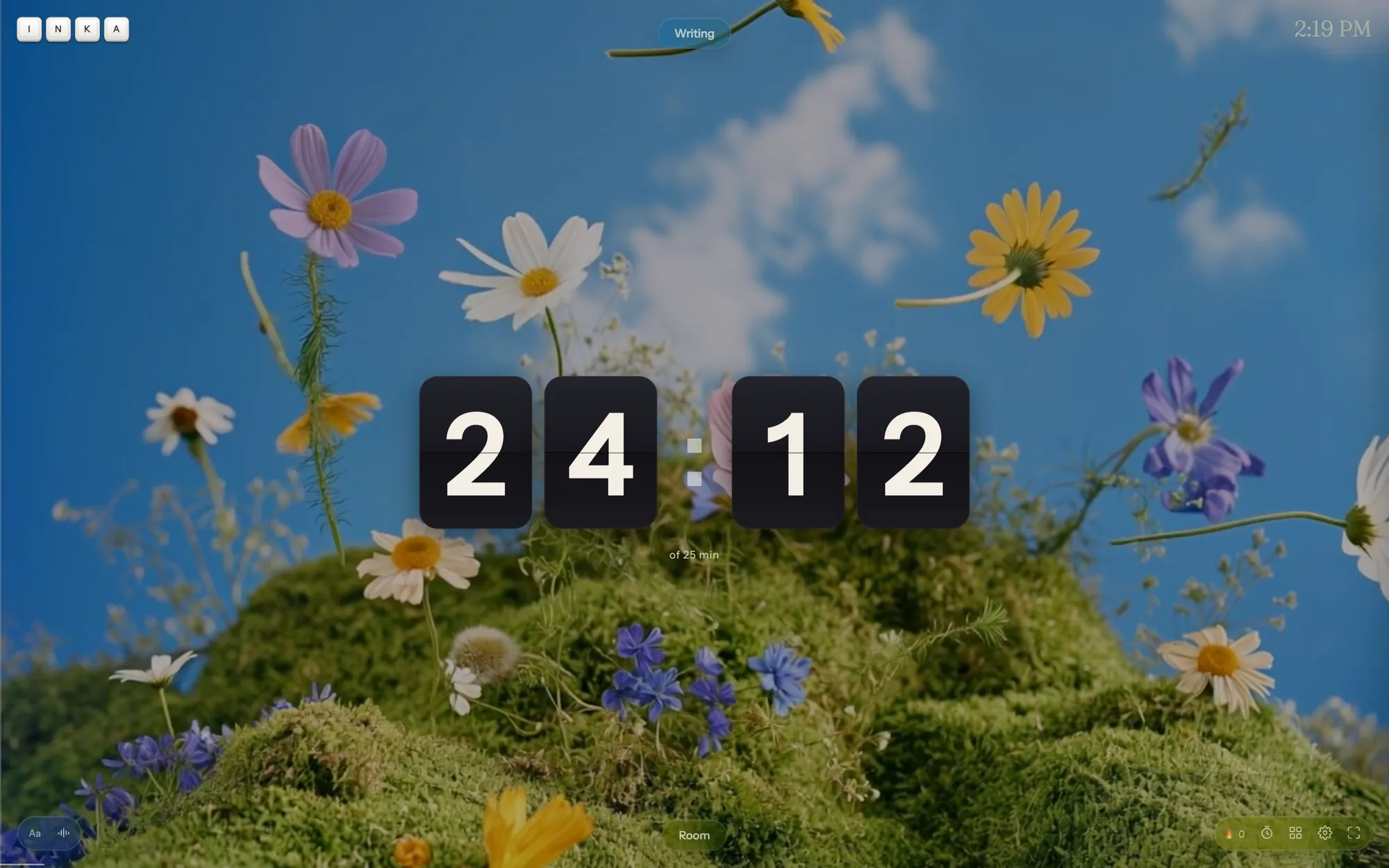
Notes beside a video.
Paste a YouTube link and the video plays behind the page with its own sound, while the page sits in a column on the left. For taking notes on a lecture. Wide screens only; the link is part of Pro.
About Notes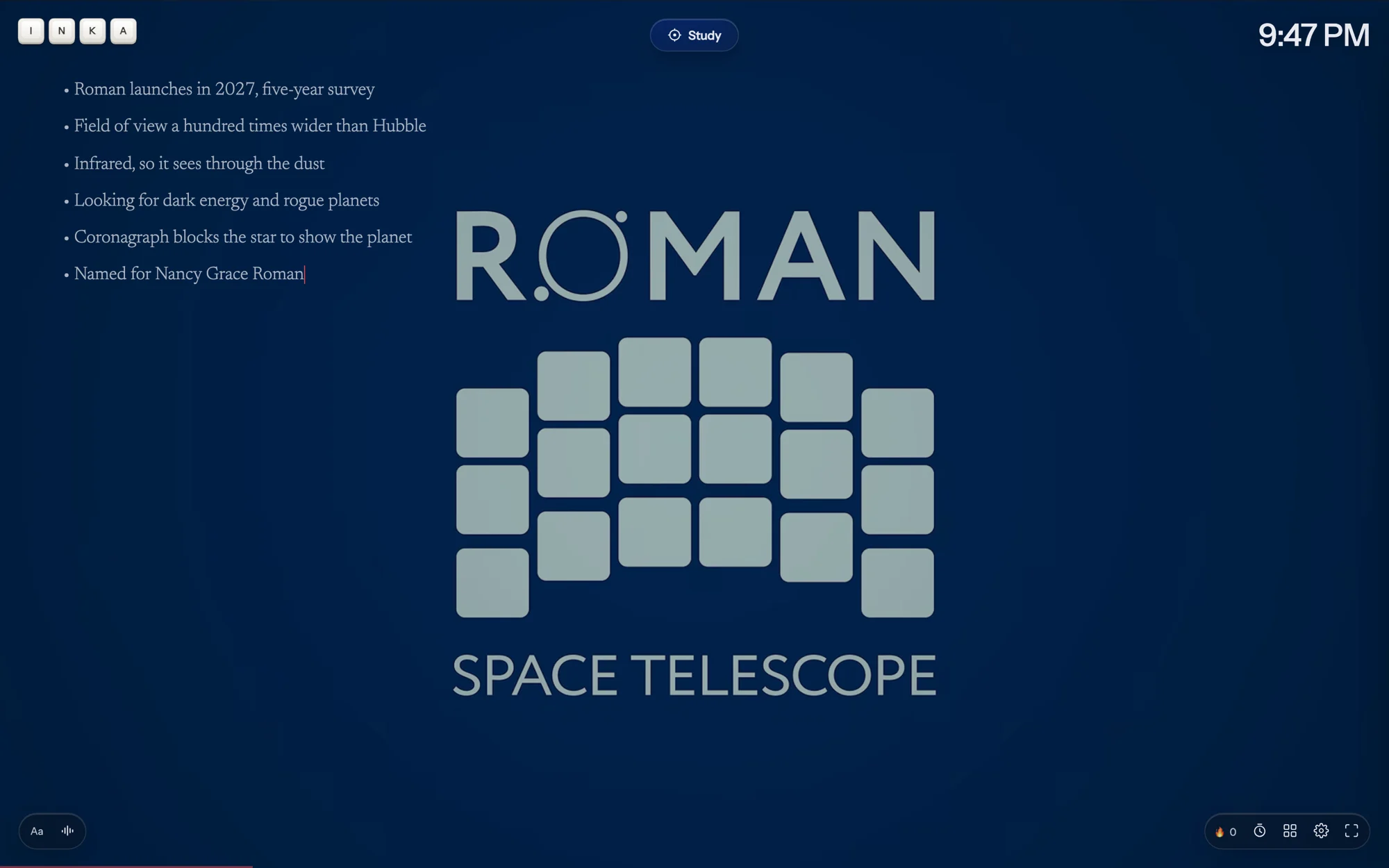
Legible mode is always free.
A font made to be easy to read, more room between the letters, taller lines. Free for everyone, always.
Smaller things
The typo checker waits.
Nothing is underlined while you type. A dotted mark appears once the sentence is finished, so the page stays quiet. It checks a dictionary on your device, not a server.
The room follows your typing.
It brightens while you keep going and dims when you stall.
Sounds duck under Spotify.
Mix rain, a fire and a café, then tap a playlist: the ambient sounds turn themselves down while a track plays.
A goal you can see without looking.
A thin line along the bottom edge grows toward your daily word count. Meet it and the flame in the dock counts the day.
Today's journal.
One button opens or creates an entry titled with today's date.
Name a piece from its card.
Pieces are titled from their first words until you rename one on its card in Pieces.
Paste keeps its shape.
Paragraphs, bullets and indents survive a paste, and undo knows about them.
Backspace edits the last sentence.
On the line, Backspace on an empty line puts the caret at the end of the sentence you just finished, so you can fix it where it sits.
Key sounds.
Cream is free. CherryMX, Typewriter and Panda are Pro, with softer sounds for space and backspace.
Questions
Does Inka write anything for me?
No. Nothing writes, rewrites or continues your sentences. The typo checker checks a dictionary on your device.
Where is my writing saved?
In this browser, as you type. Sign in and it also syncs between your devices.
What happens if I lose my connection?
Inka keeps working. Writing, rooms you have opened, sounds you have played and export all work offline.
Is the line mode free?
Yes. Everything on this page is free except the YouTube link in Notes and your own backgrounds, which are Pro.
Pick a room and start.
Free to write in. Pro from $7 a month.
Start writing