
Easily export your work.
Write it in Inka, hand it in anywhere. Copy it, download it for Word, or send it straight to Google Docs.
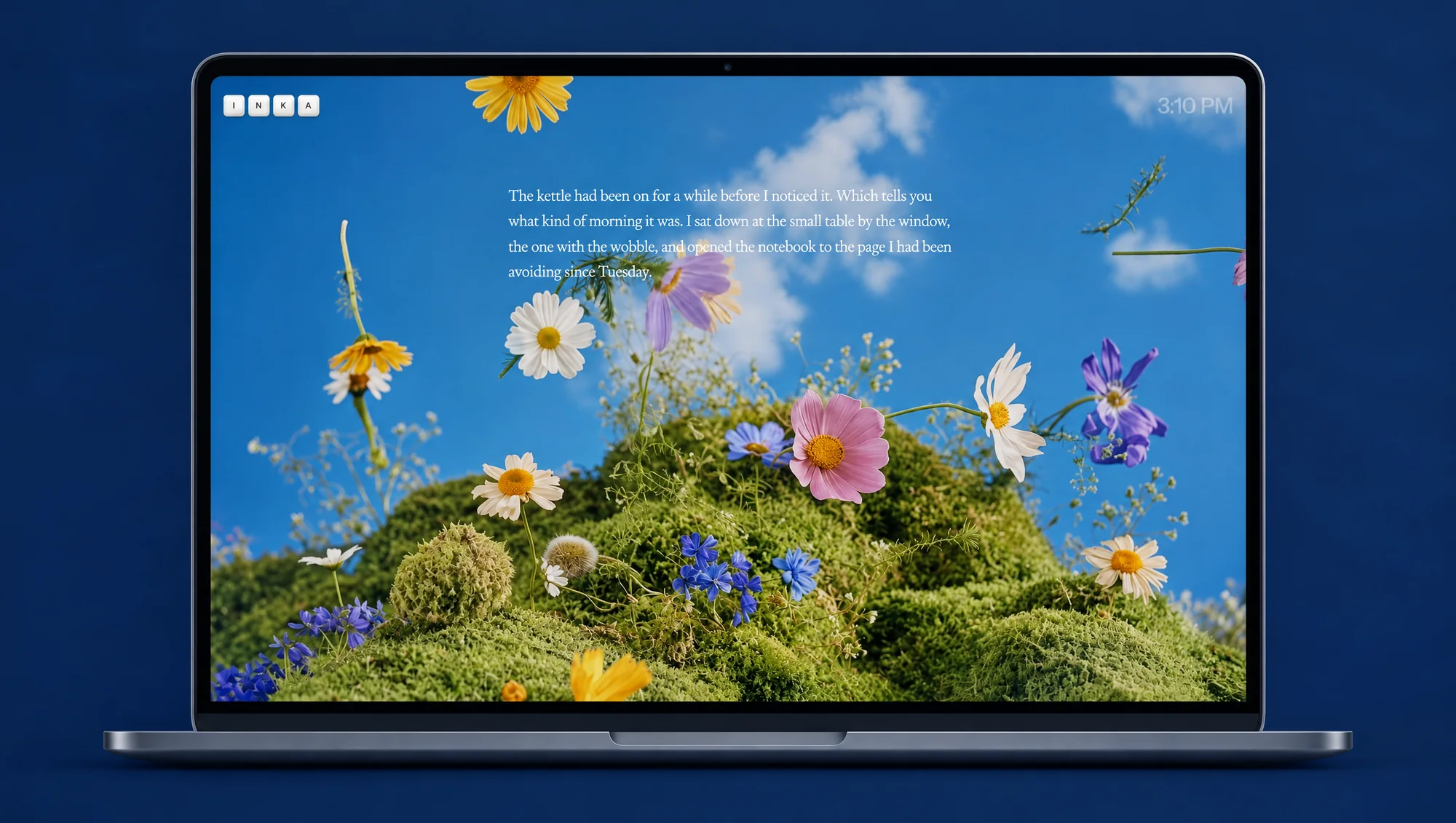
Every piece, saved as you type.
Everything you write is kept in your Pieces list, titled from its first words or by a name you give it on its card, and saved as you type. Open any of them, or go back to a copy from an earlier day. Three at a time on the free plan, as many as you like on Pro.
Use Inka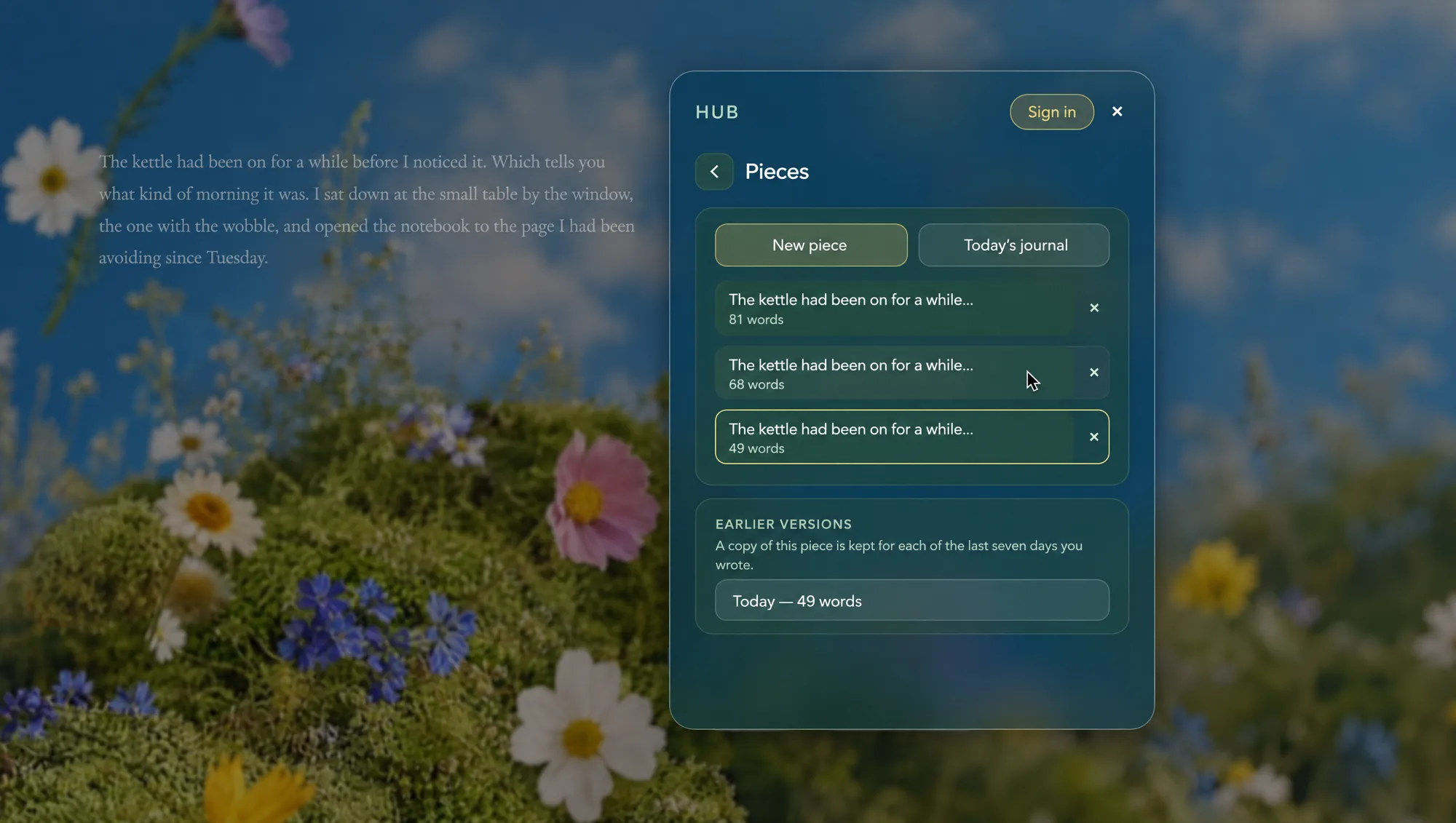
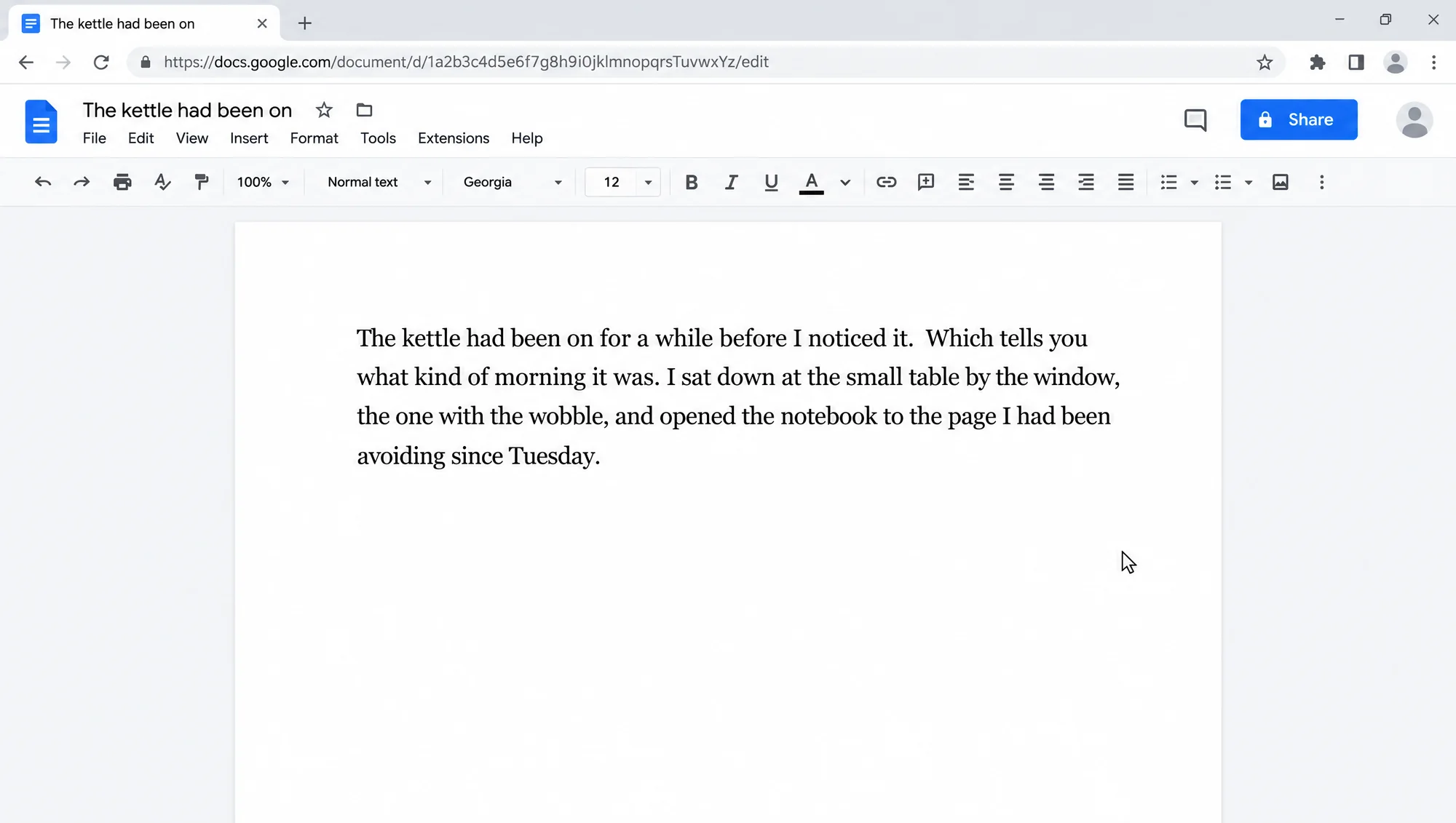
Send it to Google Docs.
One tap makes a Google Doc from your piece and keeps it updated while you write. Or download a .docx for Word, a plain .txt, or copy the whole thing. All of it is free.
Use Inka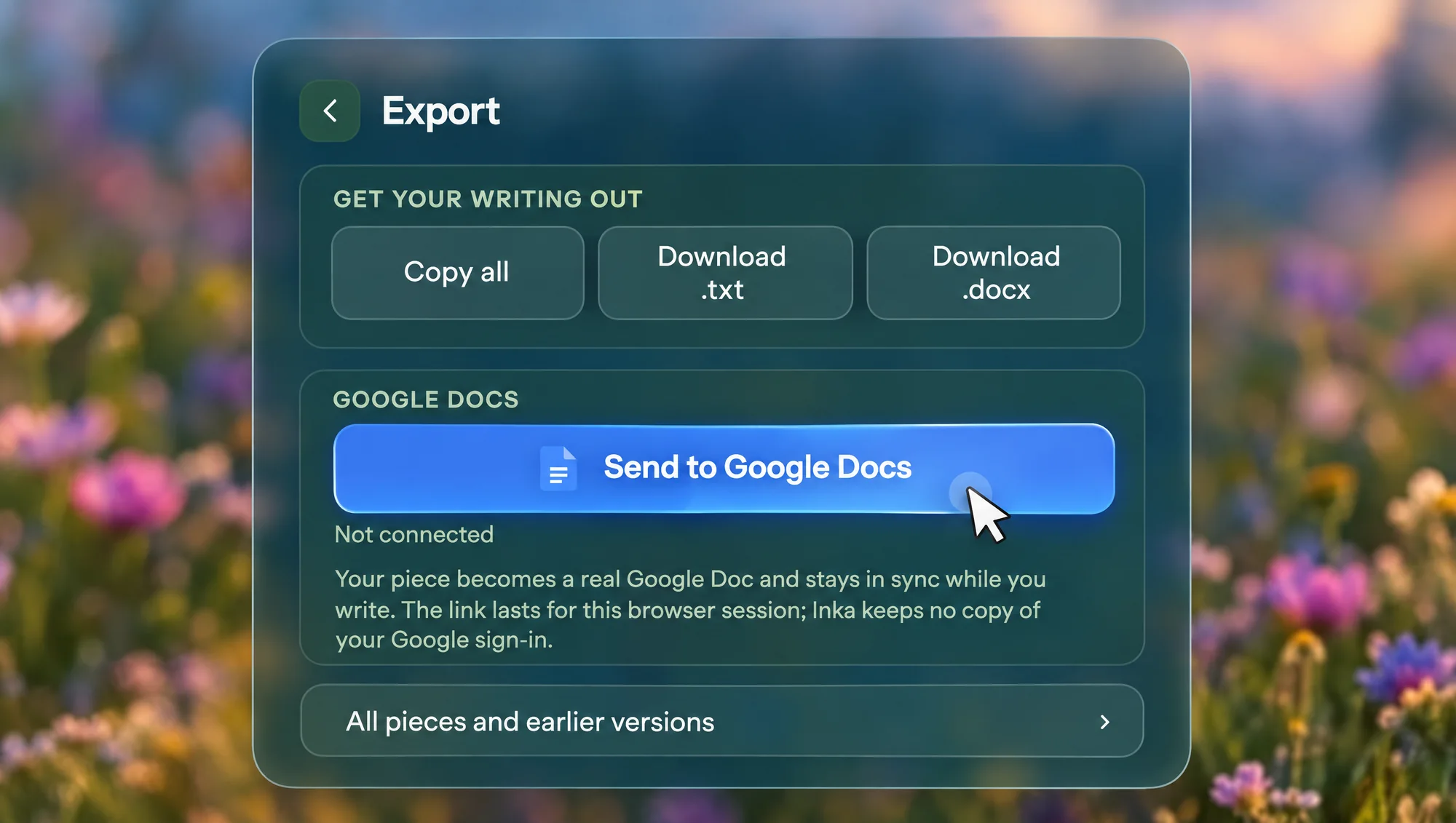
Questions
What can I export to?
Copy the whole piece, download it as a .txt or a .docx that opens in Word and Google Docs, or send it to Google Docs as a real document.
Can I make text bold or add headings?
Not in Inka. Inka is for the draft: paragraphs, bullets and indents, and nothing else on the screen. Export keeps all of that, and bold, headings and the title page happen in Google Docs or Word afterwards.
Is export free?
Yes. Every export option is free, for everyone.
How does Send to Google Docs work?
Sign in to Google and Inka makes a Google Doc from your piece. It keeps the doc updated while you write, for as long as the tab is open. Inka keeps no copy of your Google sign-in.
Does export work offline?
Copy, .txt and .docx do; the files are made in your browser. Google Docs needs a connection.
Where is my writing kept?
On your device, saved as you type. Sign in and it syncs to your other devices too. A copy of each piece is kept for each of the last seven days you wrote.
Take it with you.
Write it here. Hand it in anywhere.
Start writing