Ambient sounds for writing
Rain, a café, a fire. Layered, each with its own volume.
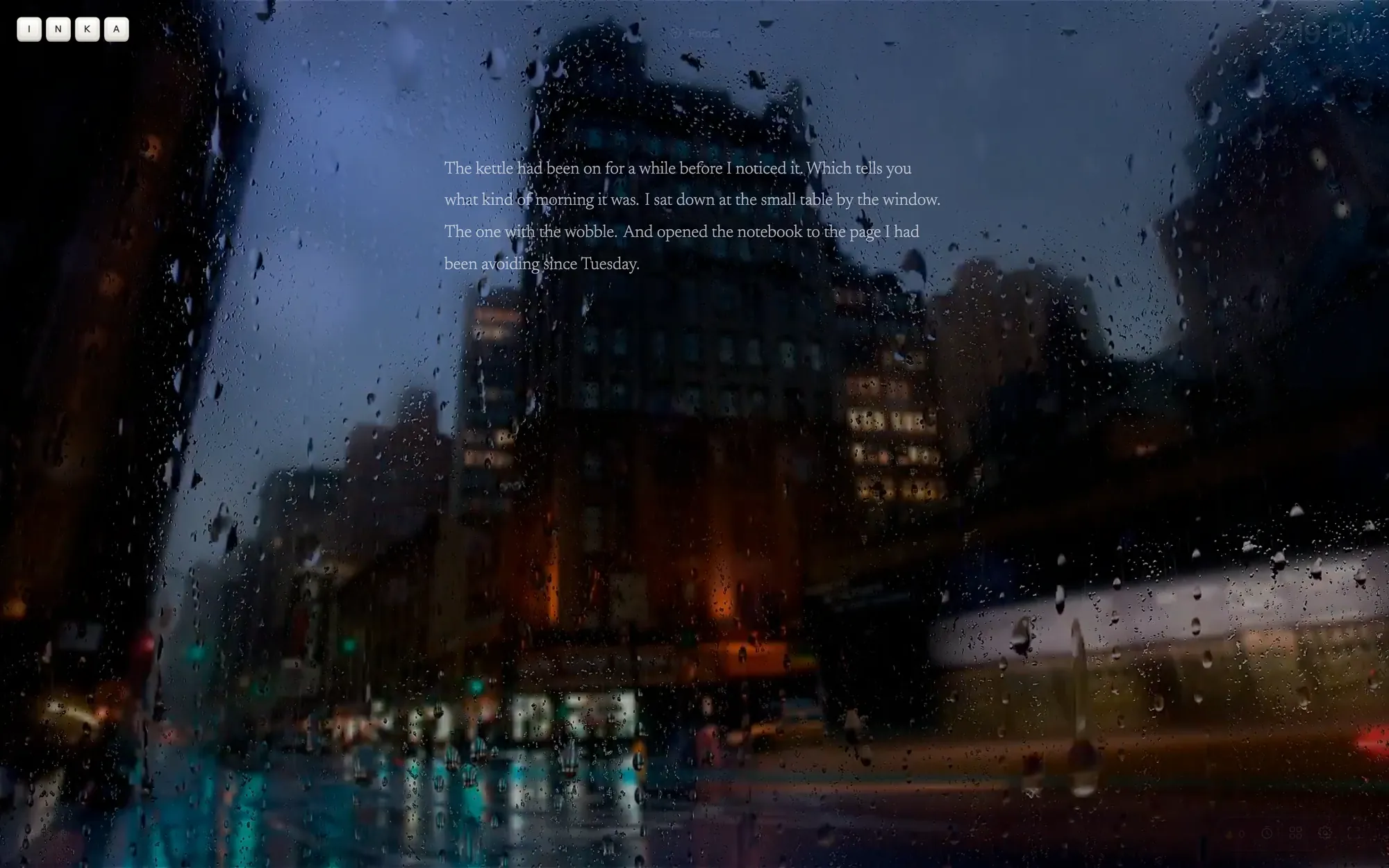
Rain on the window, a café in the background, a fire going. Turn on what you like, layer it how you like, and write.
Layer your sounds.
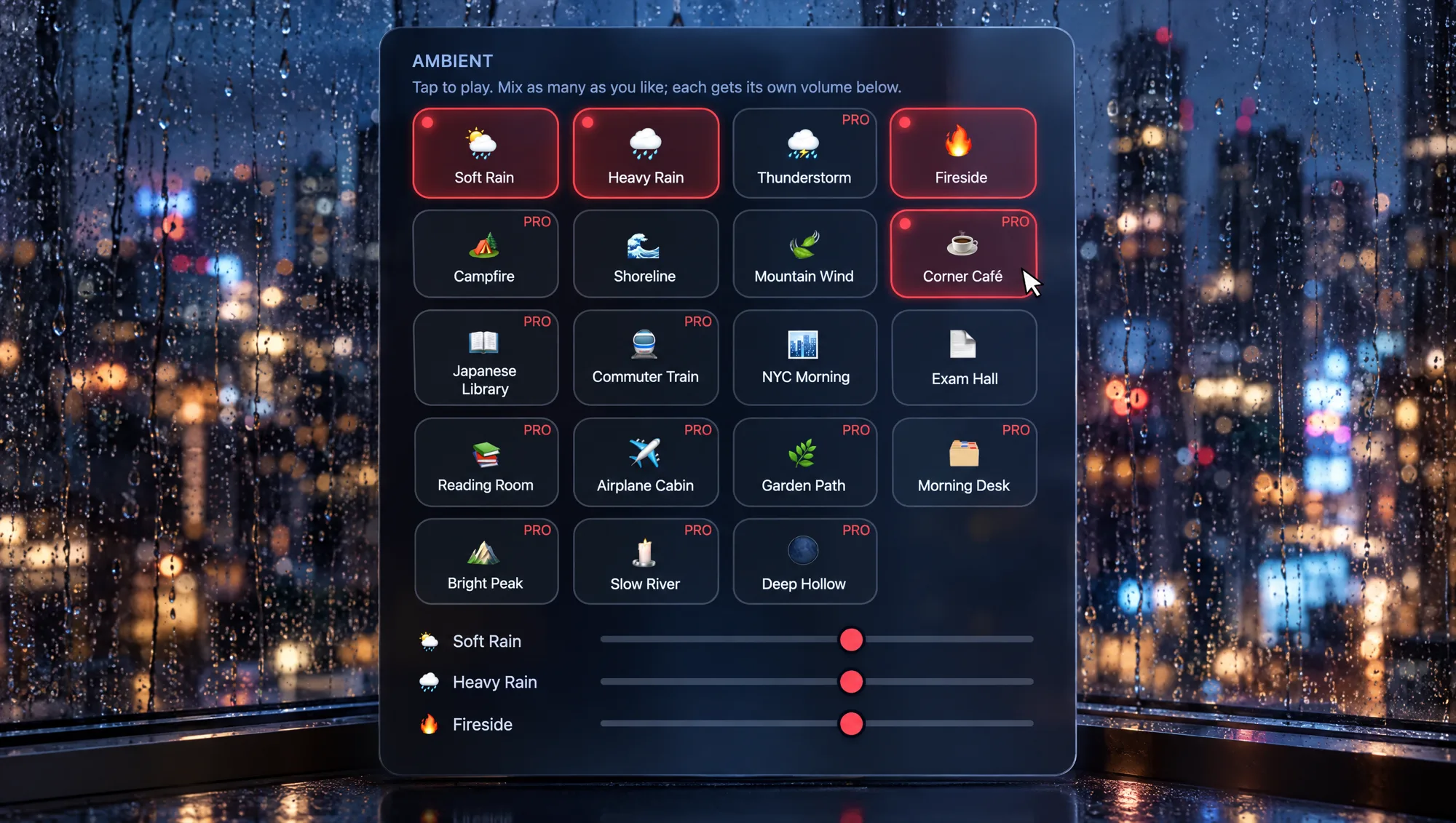
Tap a sound and it starts. Tap another and it plays over the first. Each one has its own volume, so the rain can sit quietly under a café under a fire. Nineteen sounds, eight of them free.
Use Inka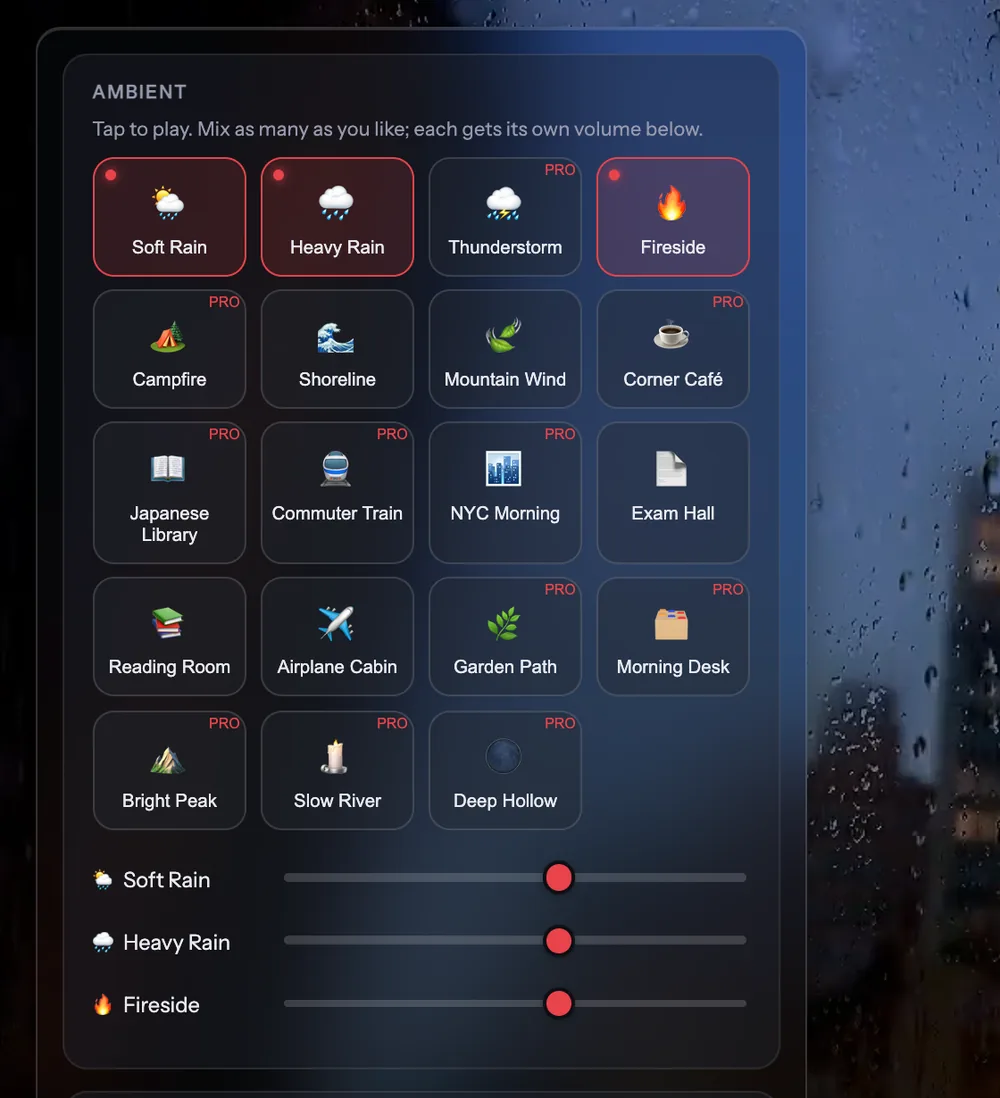
Add Spotify.
Tap one of the playlists in Music, or paste a link to any Spotify playlist, album or track. It plays right in the page, and the ambient sounds turn down on their own while the music is on.
Use Inka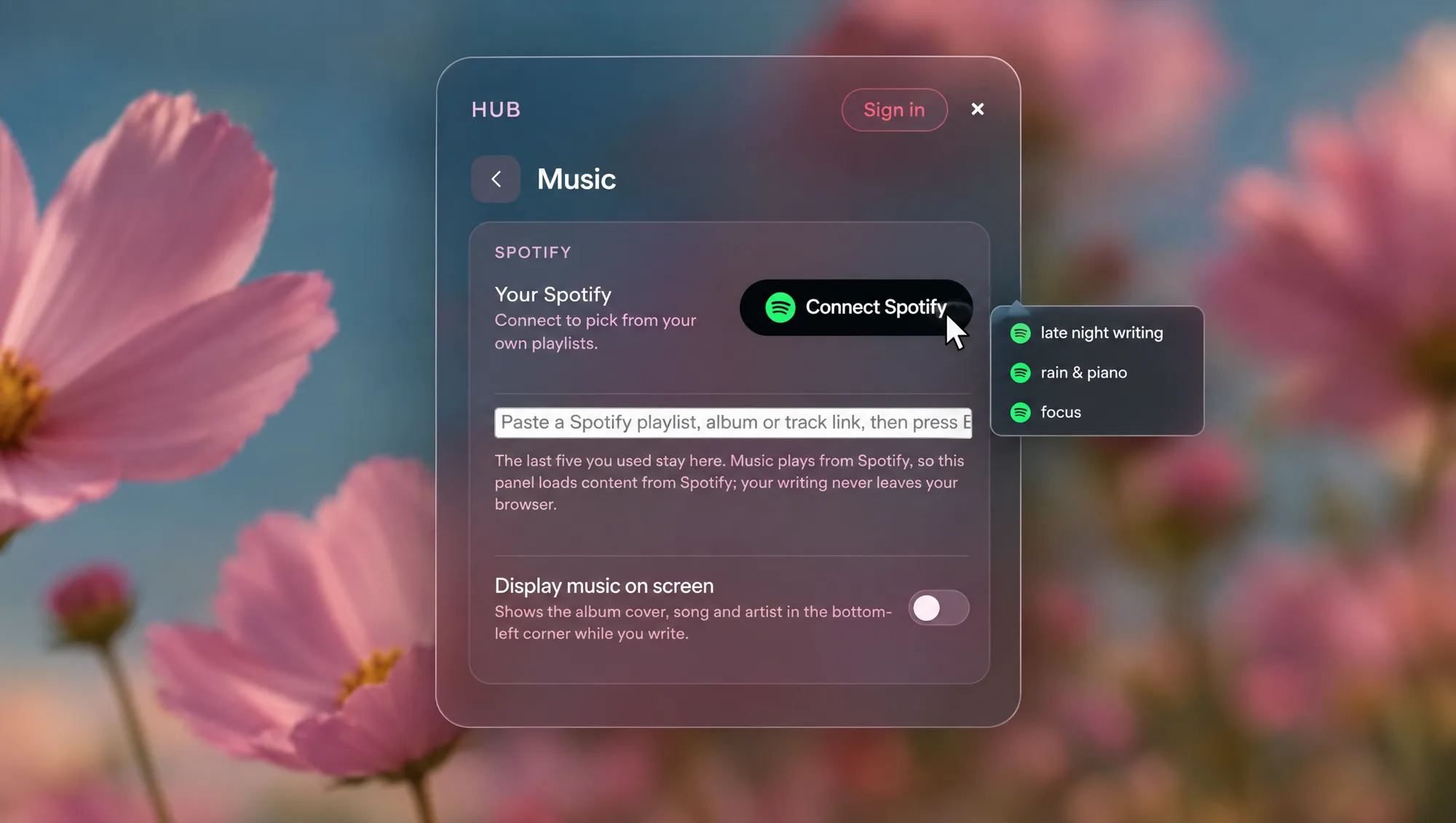
Satisfying typing sounds.
Every key you press makes a soft click, with a different sound for space and backspace. Five to choose from: Off, Cream, CherryMX, Typewriter, Panda. Off and Cream are free.
Use Inka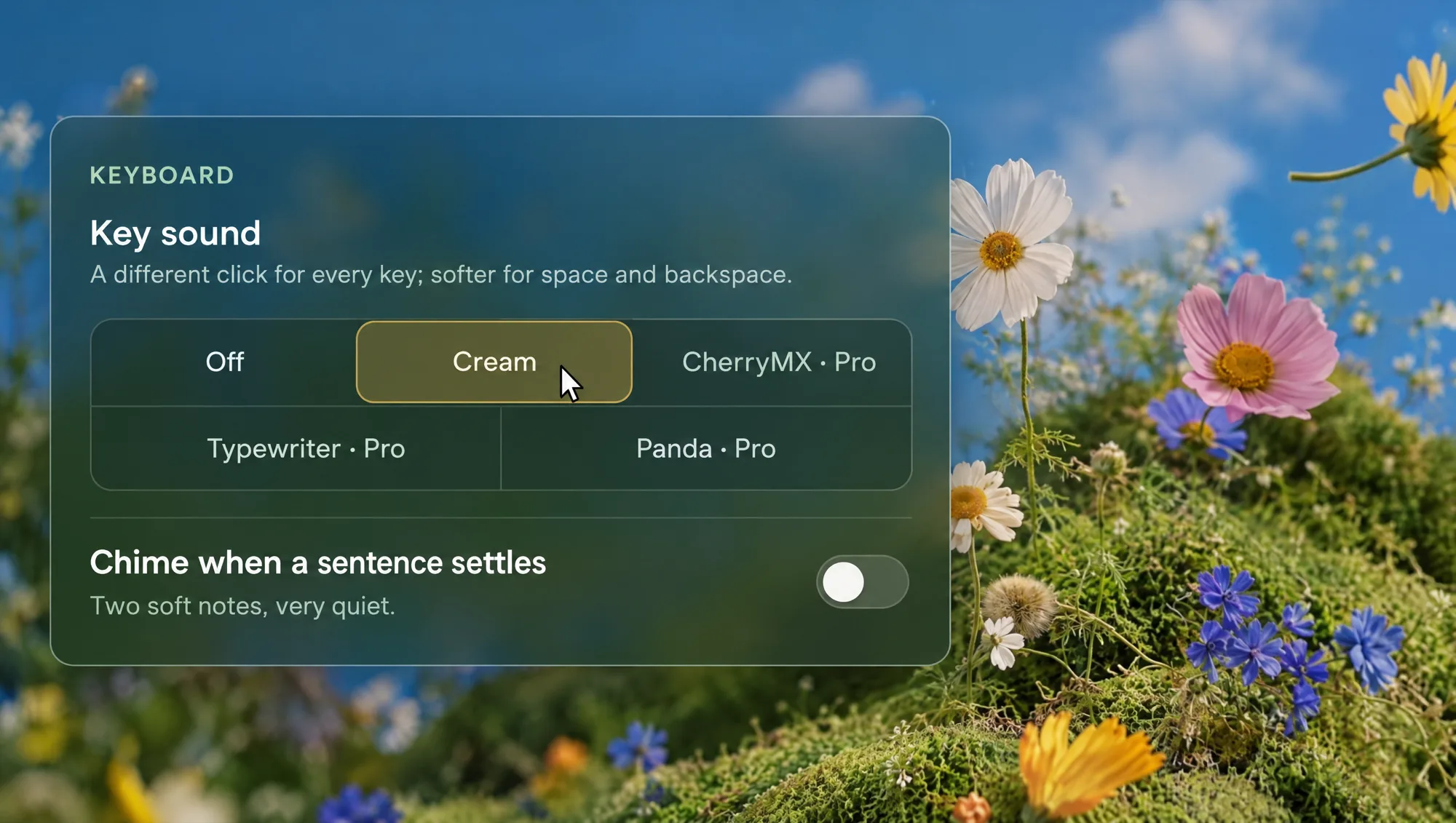
Questions
Are the sounds free?
Eight of the nineteen are free, and so is the Cream key sound. Pro adds all nineteen and the other three key sounds.
Can I play more than one at once?
Yes, as many as you like. Each one has its own volume.
Do I need Spotify Premium?
No. You need a Spotify account, free or Premium, and to be logged in to Spotify in that browser. Inka asks for that once, then full songs play in the page.
Do the sounds work offline?
Yes. Any sound you have played on that device keeps working without a connection.
Turn the rain on.
Eight sounds are free. Mix them now.
Turn the rain on