
Notes beside the video.
Paste a YouTube link. The video plays behind your page with sound and its own controls, and the page becomes a column on the left. One screen, no second tab.
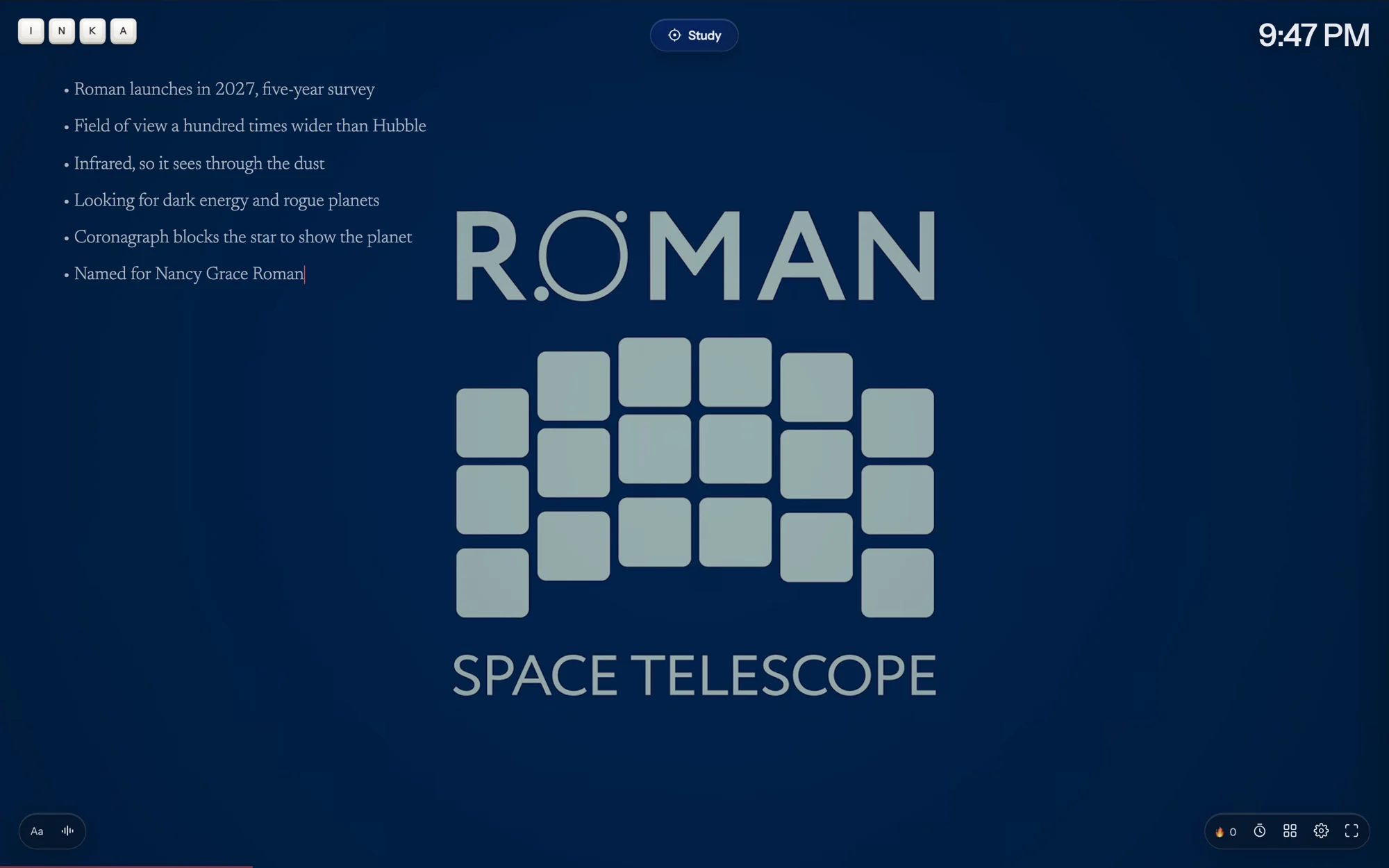
Paste a link, keep typing.
The video plays with sound and YouTube's own controls, so you can pause and scrub. Your page moves into a column on the left and grows as you write. A dash and a space at the start of a line makes a bullet; Enter keeps the list going, Enter on an empty bullet ends it, Tab indents.
Use Inka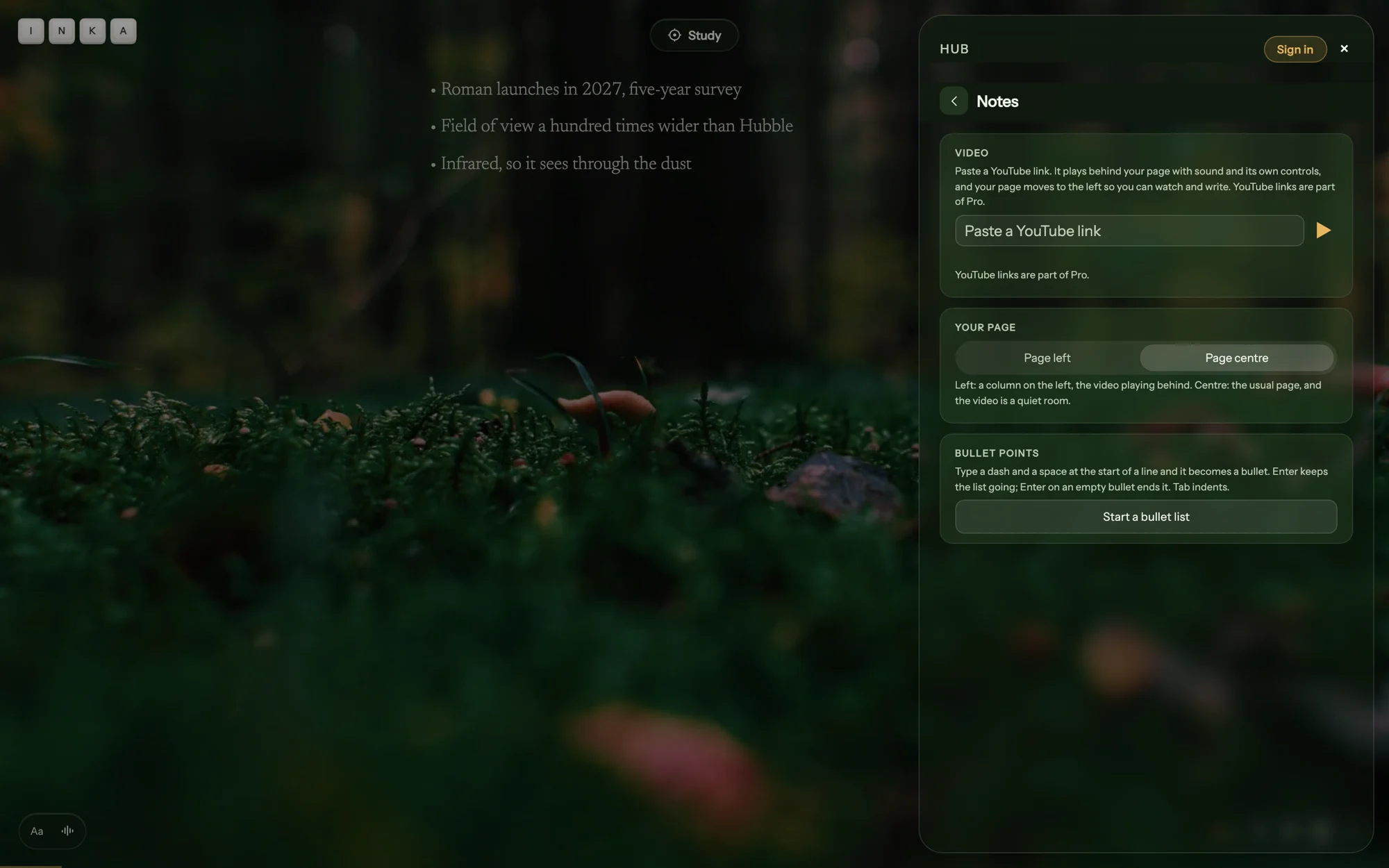
In the Hub, or pinned on screen.
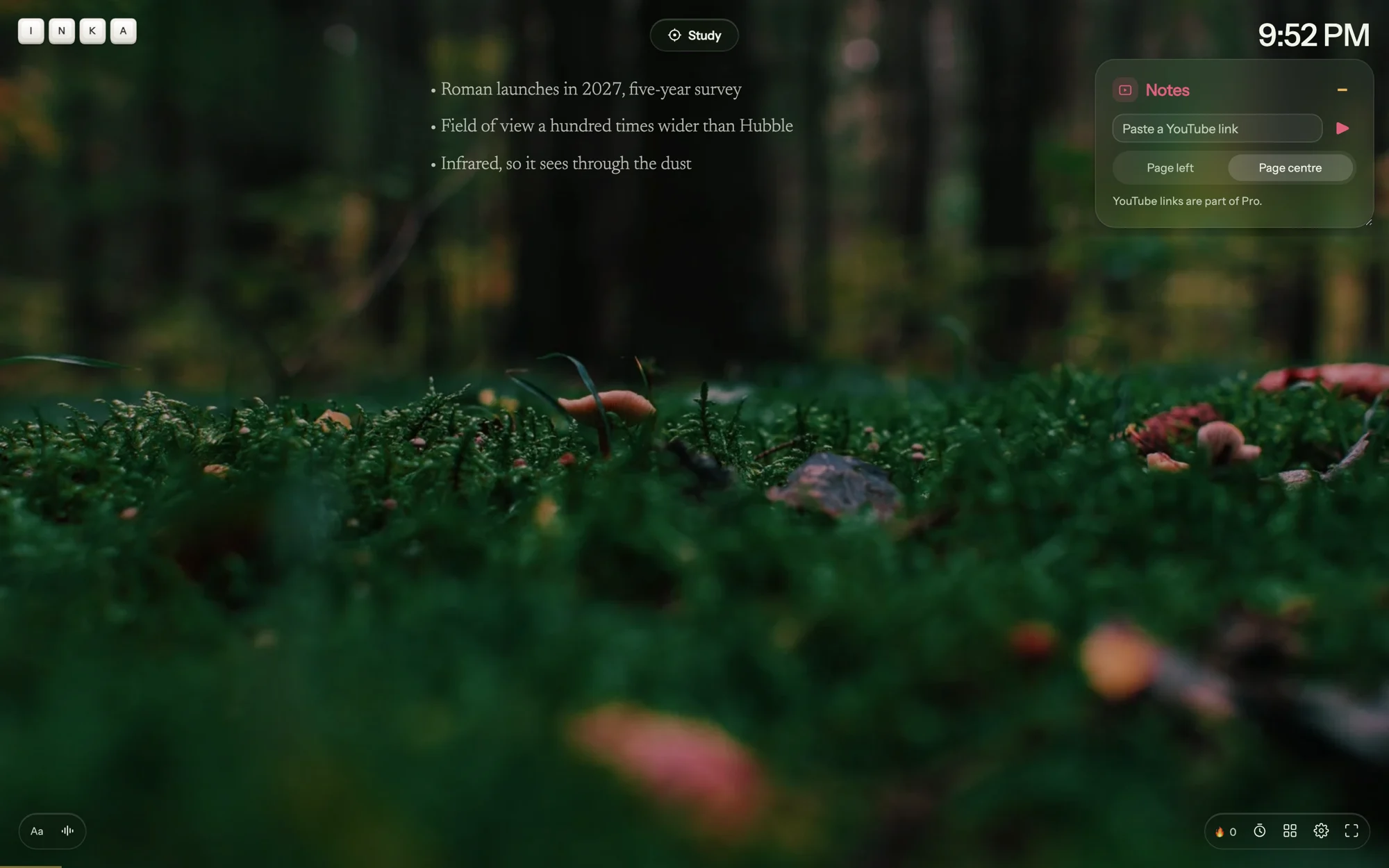
Open the Hub from the dock and the Notes tile sits at the bottom: the link box, Page left or Page centre, a bullet list. Or open Widgets, pin Notes, and it stays on screen as a small card you can drag anywhere. Your last five links stay in the list. Page centre turns the video back into a quiet room: muted, no controls, looping.
Use Inka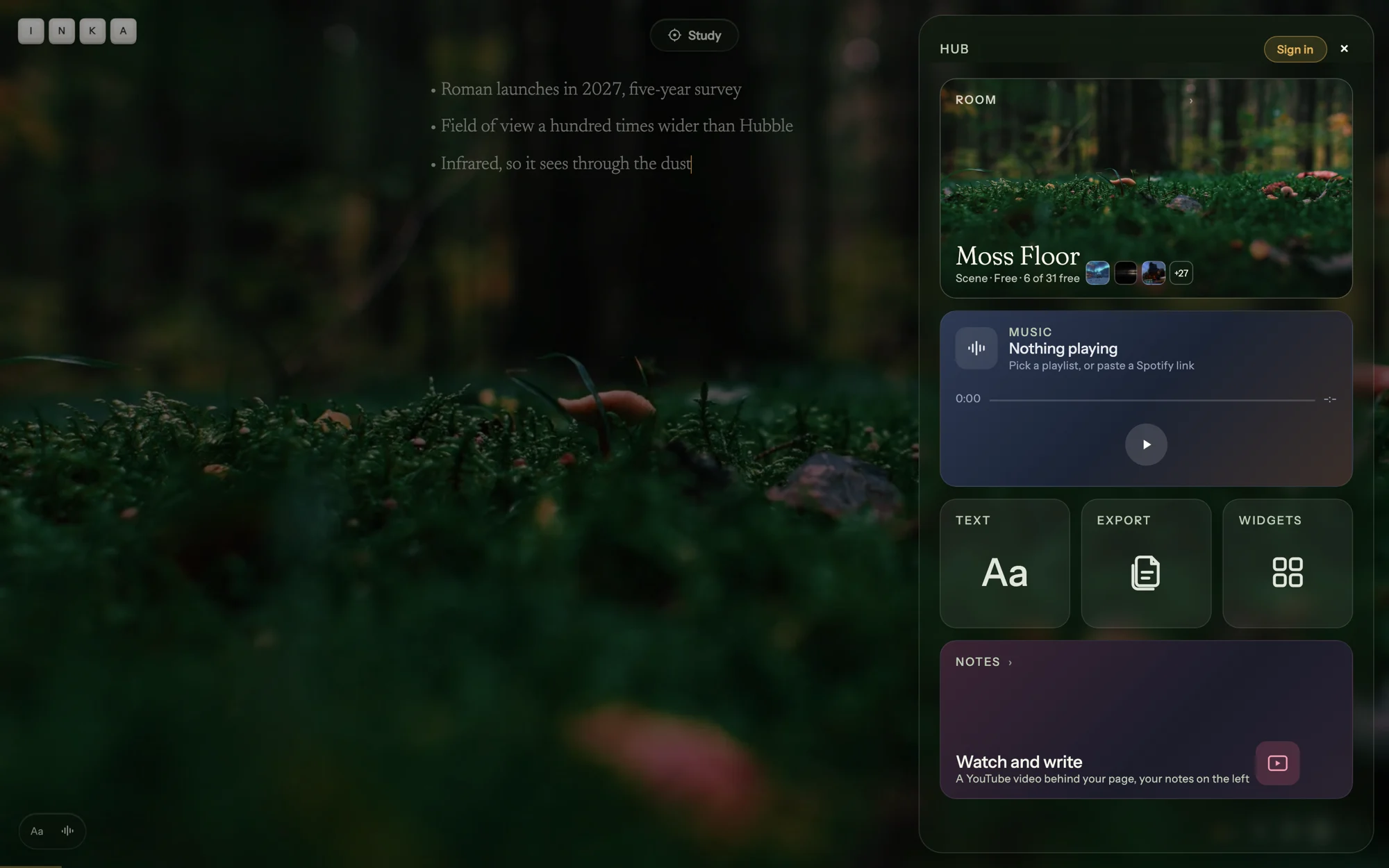
Your notes are a piece.
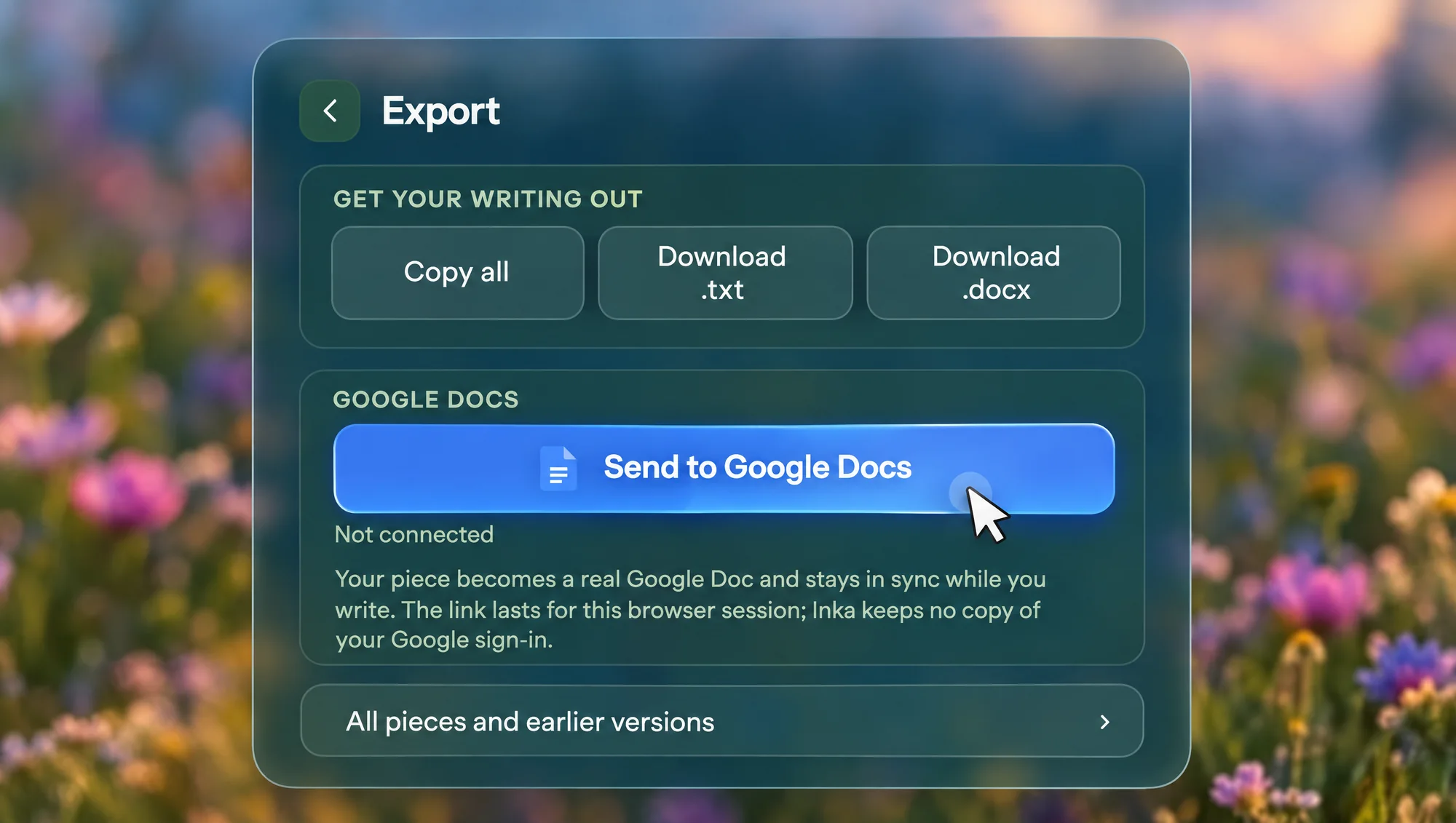
Saved on this device as you type, and synced when you sign in. Copy it all, download .txt or .docx, or send it to Google Docs, where it stays in sync while you write. A copy is kept for each of the last seven days you wrote, under Earlier versions in Pieces.
About export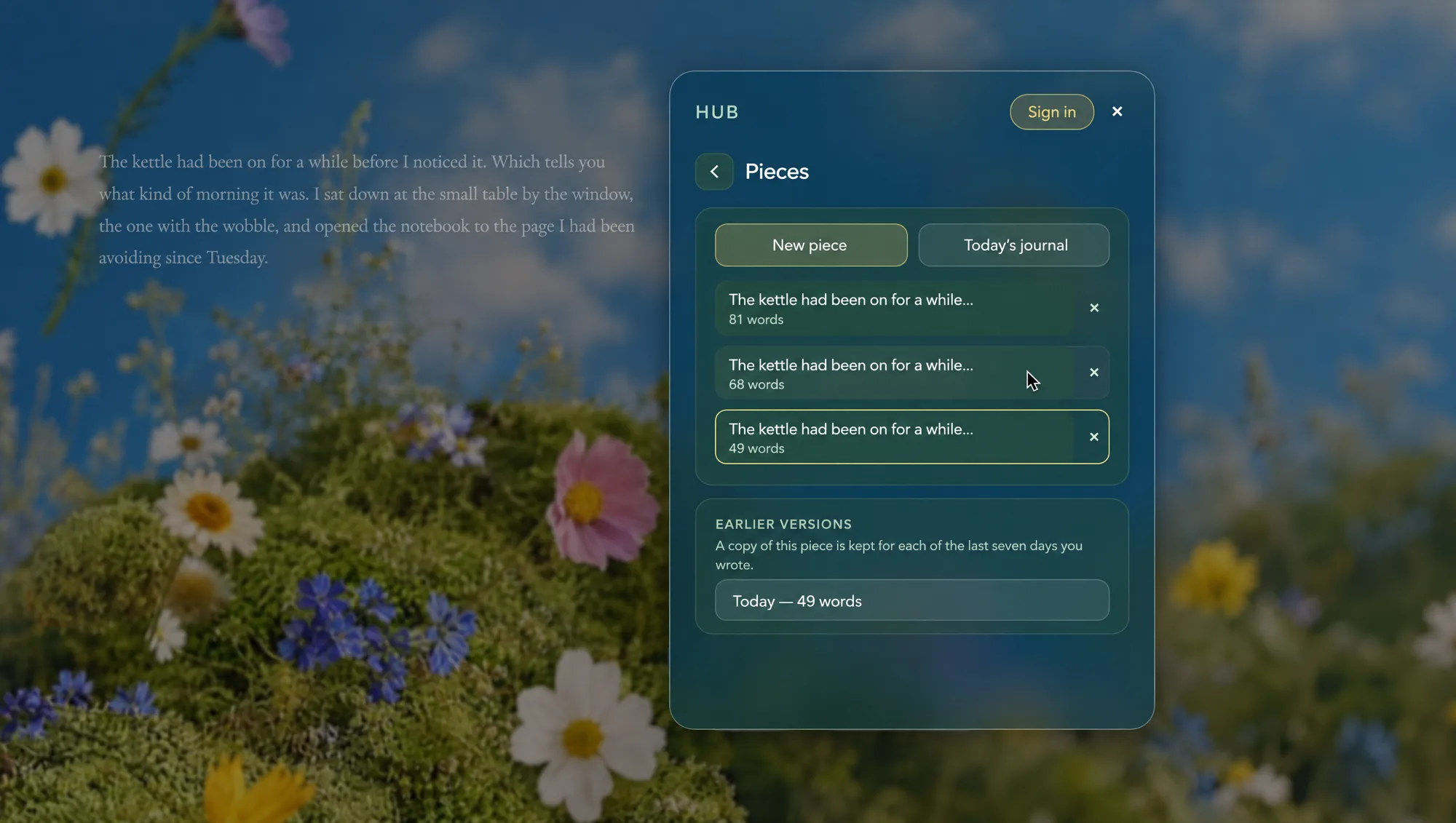
Free, except the link.
The column layout, Page left and Page centre, and bullet points are free, over any room. Pasting a YouTube link is part of Pro, with the rest of Your own background: $7 a month, $49 a year, or $99 once. Wide screens only; a phone keeps the normal page.
What is freeQuestions
Does the video keep playing while I type?
Yes. It is the room behind your page, so it plays on while you write. With the page on the left it has sound and YouTube's own controls. Put the page back in the centre and it becomes a muted, looping background.
Can I use any YouTube video?
Any YouTube link whose uploader allows embedding. A removed, private or embed-blocked video falls back quietly to a still picture. Your last five links stay in the list.
Do the notes export?
Yes. They are a piece like any other: copy all, download .txt or .docx, or send to Google Docs. A copy is kept for each of the last seven days you wrote, under Earlier versions.
Is it on phones?
No. The column and the sound need a screen wider than 640 pixels. On a phone a pasted link still plays as a muted room behind the normal page, and the Notes widget says it needs a wider screen.
Watch it. Write it down.
Free to write in. Pro, for the YouTube link, is $7 a month, $49 a year, or $99 once.
Start writing