
Distraction-free writing app: the Inka writing app hides its controls
The Inka writing app is a page with the controls tucked away. After a short pause they fade, and they come back when you move the pointer. It will not lock you out of the rest of the browser. You can open it and write for free.
What people want from a distraction-free app
Most people typing this are tired of a toolbar. They want the words larger than the menus. Some also want a website blocker. Those are two different jobs.
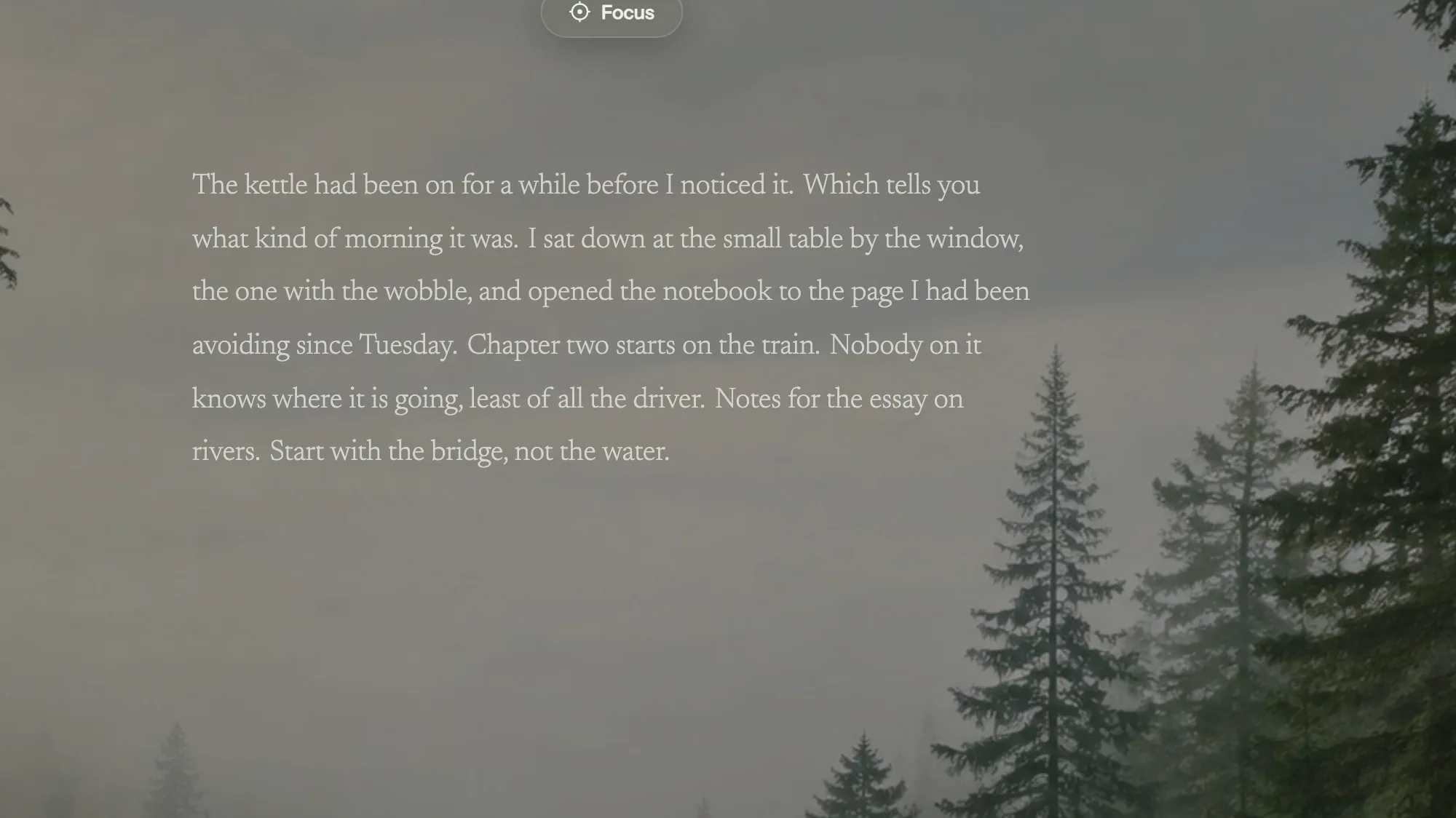
Inka does the first job. Nothing permanent sits on the writing screen except your words. The dock and the panels fade to a faint trace after about two and a half seconds, and they return when the pointer moves. There is no sidebar you have to close, and no dashboard of badges.
Inka does not do the second job. It will not stop you opening another tab, and it is not a site blocker. If that is the whole problem, you want a blocker as well as a page.
How to make the Inka writing app quieter
- Open the app and pick Ink Room if you want no picture. It is free: a dark room with a warm centre, and no video.
- Open Text and choose the page behind the words: nothing, a clear sheet, white paper, or ruled lines. All four are free, as are the four fonts, including Atkinson Hyperlegible.
- If key sounds bother you, set the key sound to Off. Cream is the free typing sound if you want one. The room's ambient sounds are separate, and you can leave them all off.
- Write on the page, which is the usual way. There is a second way, on a large line at the bottom, where a finished sentence moves up onto the page. Use whichever keeps you in the sentence.
The light in a room brightens a little while you type and dims when you stop. That is the only thing on screen that reacts. It is not a score.
What this app will not pretend to be
Inka is not a word processor. There are no comments, no track changes, and no live co-authoring. When the draft is ready for that, export it: copy, a .txt file, a .docx file, or a Google Doc. Export is free.
It also does not write the paragraph. There is no chatbot on the page. A dotted underline, on by default, marks a word that is not in a dictionary stored on your device. An optional note about tighter wording stays off unless you turn it on, and it also stays on the device. Neither one produces a sentence.
Questions
Does the Inka writing app block other websites?
No. The controls fade while you write, and that is the whole trick. Other tabs still open.
Can I write with no background at all?
Yes. Ink Room is a free plain room, with no video and no photograph. You can also turn every ambient sound off.
Does it work on a phone?
Yes, in the browser. The line gets smaller, and the panels become sheets you can swipe. A wide monitor is calmer, but a phone works.
Where does the writing go?
It is saved on the device as you type, including the line you have not finished. Sign in only if you want that piece on another device.
Open Inka
Open the app, pick Ink Room, and watch the controls leave the screen.