
A Calmly Writer alternative: the Inka writing app
Calmly Writer is a distraction-free editor you pay for once, and Calmly Online is their free version in the browser. So the choice is not browser against desktop. The Inka writing app is free to write in too, and what it adds is a room, mixable sound, and a timer. This page is by Inka's makers. Calmly is the better pick if you want local files, Markdown that looks formatted, and a single payment.
Where the Calmly Writer details come from
Read on 10 October 2026 from calmlywriter.com. Their page described Windows, Mac, Linux, and Android, and also Calmly Online, a free version that runs in the browser with nothing to install. Desktop is one pay-once licence with a 14-day trial. Android is listed separately on Google Play. We did not see a dollar price on the page we read, so none is printed here.
They describe a WYSIWYG Markdown editor, a focus mode, full screen, typewriter sounds, themes, word and character targets, reading time, a table of contents, comments, tabs, autosave, backups, and local files, including a Dropbox or Drive folder if you want one. Export to Word, PDF, Markdown, or HTML. Spell-check, right-to-left text, and an OpenDyslexic mode. Developed by Calmly Studio.
Side by side
| Inka writing app | Calmly Writer | |
|---|---|---|
| Where it runs | The browser, on a desktop or a phone. | Windows, Mac, Linux, a separate Android app, and Calmly Online in the browser, per their site. |
| Price | Free to write. Pro is $7/month, $49/year, or $99 once. | Calmly Online is free. Desktop is pay once with a 14-day trial, Android listed separately. Dollar amount not on the page we read. |
| Writing surface | Prose in a room. Four fonts. Not a Markdown editor. | WYSIWYG Markdown, tabs, comments, targets, contents. |
| Timer | A block in the room, ten looks, and a break that changes the scene. | Word and character targets and a reading time. No clock in the page, as they describe it. |
| Atmosphere | 30 rooms, 10 free. 19 mixable sounds, 8 free, each on its own volume. Spotify in the page. | Themes, a focus mode, full screen, and typewriter sounds, as they describe it. No room and no ambient mixer. |
| Files | Browser storage, optional sign-in sync. Export .txt, .docx, copy, Google Docs. | Local files. Optional Dropbox or Drive folder. Export includes PDF and Markdown. |
| Readable type | Atkinson Hyperlegible, in Legible mode, always free. | They list an OpenDyslexic mode. Different font, their feature, not ours. |
Who should buy Calmly Writer
Buy Calmly if you want a native app, a pay-once licence, Markdown that looks like formatted text while you type, comments, several documents in tabs, and files that live on disk. If you only want a plain free page in a browser, Calmly Online already does that and costs nothing. Their trial is the way to know if the feel matches the description.
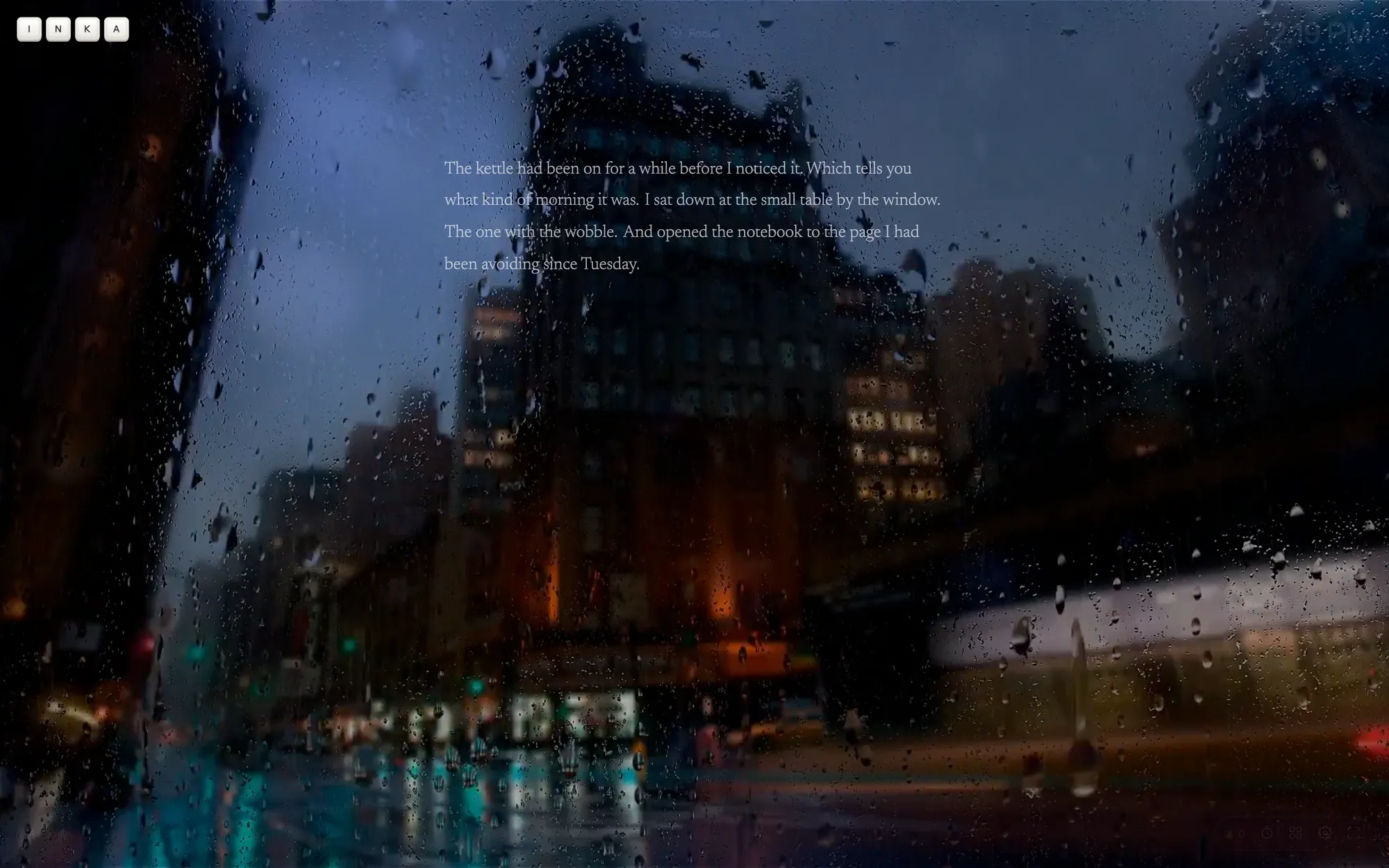
Use Inka if the thing you want around the draft is a room: rain and a fire playing together under the words, a block with a break that changes the scene, and Spotify in the page. You do not get Markdown, PDF export, or comments. Free stops at three pieces, and Pro is on the pricing page.
Use neither if a group is editing one file. That is Google Docs or Word.
Questions
Is the Inka writing app free while Calmly is paid?
Both have a free way in. Calmly Online runs free in the browser, and their desktop app is pay once after a 14-day trial. Inka is free to write in, with a paid Pro tier. Check their price on their site.
Does Inka open Markdown?
No. You write prose and export .txt, .docx, or a Google Doc.
Did you re-test Calmly Writer for this page?
We read their public homepage on 10 October 2026. We did not buy a licence or run the trial.
Does Inka have OpenDyslexic?
No. Legible mode is Atkinson Hyperlegible. That is a type setting, not a medical claim.
Other comparisons
Six pages, one other app each, written the same way: we make Inka, and the other column is read off their own site on a dated reading.
- Google Docs
- FocusWriter
- Calmly Writer — this page
- iA Writer
- Write or Die
- ZenPen
- All comparisons on this site
Open Inka
Open a room, mix rain and a fire, and see whether the atmosphere was the missing part.