
A Google Docs alternative for writers: the Inka writing app
The Inka writing app is a place to draft, with a room and a timer. It is a poor replacement for Google Docs if you need comments, sharing, or two people in the file. It is a fair place to write the draft before the Doc exists.
Stay in Google Docs when
You need suggesting mode, comments, or a teacher in the file. You are writing with someone else at the same time. You need headings, citations, page numbers, or a template the class already uses. You want the file in Drive from the first sentence, with Google's sharing links.
Inka has none of that. Pretending otherwise would waste a draft.
Use the Inka writing app when
The Doc is where the draft goes to die under a toolbar, and you want an hour with the sentence larger than the menus. You want rain or a plain room, a 25-minute block, and no chatbot offering to continue the paragraph. Inka does not add a writing model. Whatever Google is doing inside Docs is Google's product, not this one.
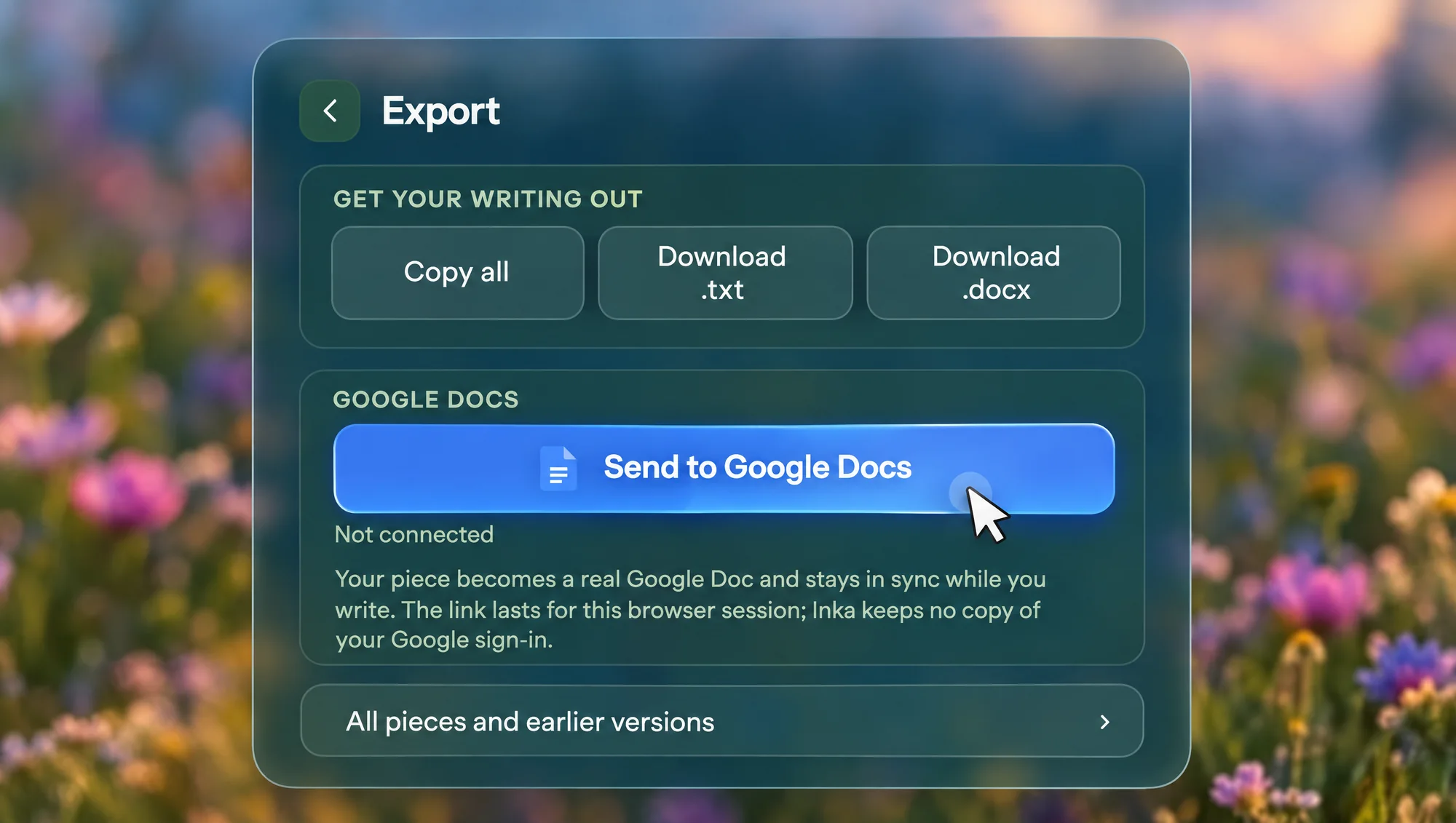
When the hour is over, send the piece to a Google Doc, or download .docx or .txt. Export is free. The writing was saved on your device the whole time.
Side by side
| Inka writing app | Google Docs | |
|---|---|---|
| Comments | None. No comments, no suggesting mode, no track changes. | Comments, replies and suggesting mode. This is usually the reason to stay. |
| Sharing | No share link. Only you, on your own devices if you sign in. | A link, per-person access, and two people in the file at once. |
| Offline | Yes, once the app has loaded. Copy, .txt and .docx too. Send to Google Docs needs a connection. | Only if you turn it on in Chrome first, before you lose the connection. |
| Rooms | 30 rooms, 10 free, or your own picture or video. | A white page. |
| Sound | 19 ambient sounds, 8 free, mixable. Key sounds and Spotify too. | None. |
| Timer | A block in the room, ten looks, and a break that changes the scene. | None. |
| Price | Free to write. Pro is $7 a month, $49 a year, or $99 once. | Free with a Google account. Paid Workspace plans are a school or job decision. |
A workable split
- Draft in Inka until the piece is actually words, not an outline you are avoiding.
- Open Export and send it to Google Docs, or download the file and upload it.
- Do the shared editing in Docs. Do not expect Inka to pick up someone else's comments and bring them back. The sync, when you use it, goes from Inka to the Doc.
Three pieces are free. A class that needs a dozen live files at once will hit Pro, or should stay in Docs entirely. Docs also wins when the assignment file is already a shared Doc and starting over would mean copying comments by hand.
Questions
Is the Inka writing app a Google Docs replacement?
For drafting, it can be the room you write in. For comments, sharing, and collaboration, no. Keep Docs for that.
Does Inka write with AI, unlike Docs?
Inka does not generate or rewrite sentences. This page is not a review of Google's AI features.
Can two people edit the same Inka piece?
No. There is no live collaboration.
Is export to Docs free?
Yes. The steps are on the export page.
Other comparisons
Six pages, one other app each, written the same way: we make Inka, and the other column is read off their own site on a dated reading.
- Google Docs — this page
- FocusWriter
- Calmly Writer
- iA Writer
- Write or Die
- ZenPen
- All comparisons on this site
Open Inka
Draft in the room, then send the piece to a Google Doc when it needs comments.