
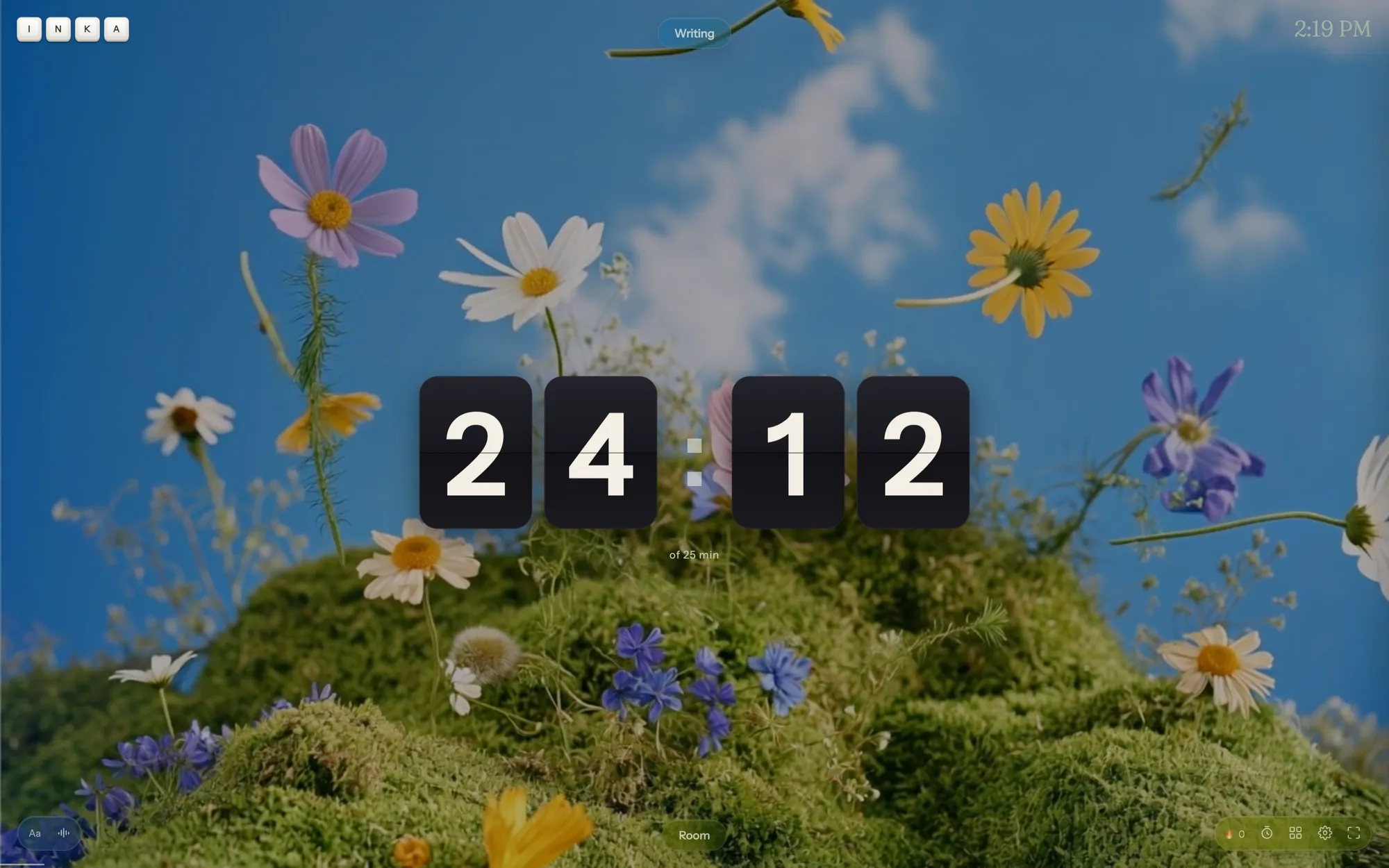
An essay timer in the Inka writing app
An essay is one piece of writing and a word count. The Inka writing app can time the sitting, free up to 25 minutes. A target stuck to that piece, such as 1,200 words, is Pro. The arithmetic, before you start, is a free calculator on this site.
Two different counts
The daily word goal covers everything you write today. It is free, it defaults to 500, and it draws a thin line along the bottom of the screen. Useful if the essay is the only thing you are writing. Misleading if you also journal, because both count toward the same line.
The word target on one piece is the essay's own number. That control is Pro. On the free app, track the essay's length in the Doc or the .docx after you export, or keep a note at the top of the draft.
The timer is not an essay mode
There is no button labelled Essay. You start a block the same way you would for any writing: 25 minutes is the free preset that fits a class period's worth of focus, and you can set a shorter custom length down to 5. Over 25 is Pro.
When the block ends, the writing is still there. Take 5, 10, or 30 minutes, then come back, or export and switch to the document you have to submit. Inka does not format MLA or APA headings. Do that in the file you turn in.
How to get through one essay
- If it is due in several days, run the calculator so today has a number smaller than the whole assignment.
- Open a piece in the app. One piece per essay is fine until you run into the three-piece free limit.
- Start a 25-minute block. Write the messy middle. Do not start by polishing the introduction.
- Export to Google Docs or .docx and put the essay into the required format there.
The app will not generate the thesis. If the assignment says the words must be yours, they are, because nothing else is typing.
Questions
Is there an essay word-count timer built in?
The timer and the counts are separate. Time is free up to 25 minutes. A target on that one piece is Pro. The daily goal is free but it is for the whole day, not one essay.
Can my teacher watch the timer?
No. Nothing is shared unless you export and share the file.
Does the sprint timer know it is an essay?
No. It is a clock. Use it beside whatever document the essay is in.
What if the essay has to be in Google Docs?
Write where you like, then use Send to Google Docs, or paste. The export page describes that step.
Open Inka
Start a block, set the daily goal, and let the exported document count the words.