
Free online text editor: the Inka writing app, for prose
People search for a free online text editor when they want to change words in a browser. The Inka writing app is for prose: a draft, a journal, an essay. It is free to write in. It is not a code editor, a PDF editor, or a way to type on a picture.
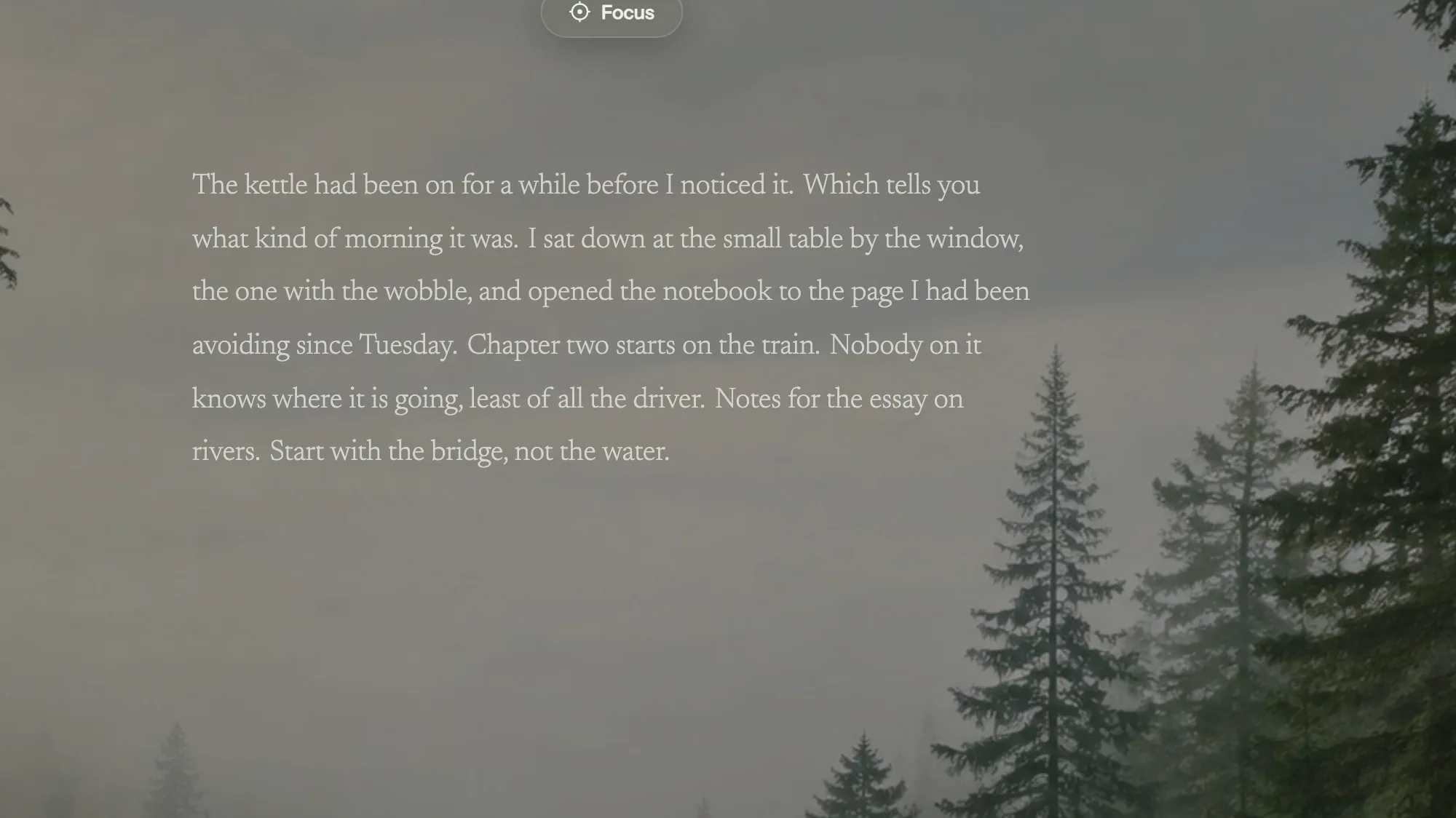
Which editor you actually needed
If the job is a Python file, a PDF form, or a caption on a photo, stop here and use a tool built for that. Inka will not syntax-highlight code, fill a PDF, or paint letters onto an image.
If the job is a piece of writing, Inka is a page in the browser. You type, it saves on the device, and you can leave with a .txt file, a .docx file Word and Google Docs open, or a Google Doc created from the piece.
What the editor lets you change
Font, size, spacing, colour, and the sheet behind the words: none, clear, white, or ruled. Those are free. You do not get styles, headers, page numbers, or a table tool. Format those after export, in the document that needs them.
There is a typo underline from a dictionary on the device. There is no AI rewrite. There is no collaboration cursor.
How to edit a piece and take it with you
- Open the app and write, or paste a draft you already have.
- Fix the lines where they sit. Click into any sentence and type. Enter starts a paragraph, Tab indents it, and Cmd+Z or Ctrl+Z steps back through your own breaks, bullets and pastes.
- Export. .txt is the plain text. .docx is the file for Word. Send to Google Docs if the next step is a Doc.
Until you sign in, the draft lives in that browser's own storage, so export a .txt or a .docx if the computer is not yours. Three pieces are free. The editor itself does not ask you to pay to type. If you need headers, footnotes, or a shared comment thread, finish those in the exported file. The room is for getting the sentences down.
Questions
Can I use the Inka writing app as a code editor?
No. It is for prose. There is no syntax highlighting and no project tree.
Can I edit a PDF?
No. Export makes a new .txt or .docx. It does not open a PDF.
Is the text editor free?
Writing and export are free. Pro is for extra rooms, sounds, longer timers, more than three pieces, and a few other extras listed on the pricing page.
Does it auto-save?
Yes, on the device, including the line you are still on.
Open Inka
Paste the draft in, fix the lines, and export .txt or .docx when it is done.